WhatsApp · Multiple accounts · Checked on 3 October 2026
Two WhatsApp Accounts on One Phone
Two WhatsApp accounts on one phone run side by side in the same app, on Android and, since March 2026, on iPhone. Each account needs its own number. A second SIM or an eSIM provides that number, and the second account is added in Settings without installing anything else.
Can I have two WhatsApp accounts on one phone?
Two WhatsApp accounts can run on one phone in the same app, and the official feature stops at 2 accounts. Android got it in October 2023. The iPhone app followed on 26 March 2026, and both versions keep chats, notifications and privacy settings separate for each account.
Switching between two WhatsApp accounts on one phone takes one tap in Settings and needs no new registration code. Each account keeps its own profile picture and name.
How do I add a second number to WhatsApp?
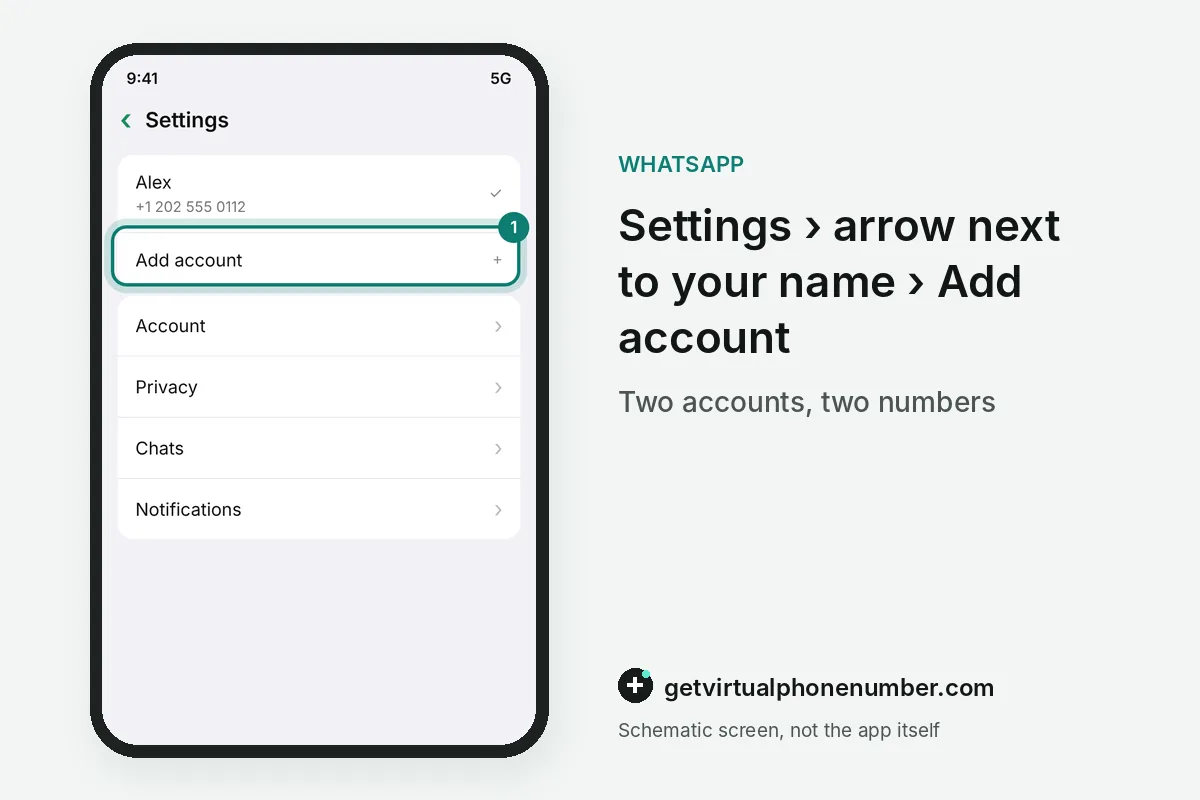
To add a second number to WhatsApp, open Settings, tap the arrow next to your name and choose Add account. Then verify the number. WhatsApp sends the registration code to the second number, and the new account appears in the same app beside the first one.
The second account starts empty unless that number has a backup to restore, so set its own profile name and photo. Two-step verification needs a separate PIN for it as well.
What do you need for two WhatsApp accounts on one phone?
Two WhatsApp accounts on one phone need a second number on a second SIM, or a phone that accepts multi-SIM or eSIM, as WhatsApp describes it. A landline works too. Pick the voice call during verification, and numbers from some internet-only providers may still be refused, so lasting numbers come from a carrier.
An internet connection on your phone is the second requirement. Wi-Fi or mobile data both work for two WhatsApp accounts on one phone, and our free WhatsApp numbers cover short tests only.
Can I have a second WhatsApp account on my iPhone?
A second WhatsApp account on iPhone has worked since 26 March 2026, when Meta added account switching to the iOS app. The profile picture shows the active account. Meta announced the iPhone version on 26 March 2026 in a post about storage tools. Both accounts deliver notifications with their own name.
For example, a work number on an eSIM and a personal number on the physical SIM give 2 accounts in one iPhone app. Older iPhones without eSIM need the second account's number elsewhere. A Dual SIM phone keeps both numbers able to receive registration codes whenever WhatsApp asks to verify again.
How do you enable dual WhatsApp on Android?
Dual WhatsApp on Android means the built-in Add account feature of the official app, available since October 2023. Phone makers add cloning too. Samsung Dual Messenger and similar tools create a second copy of WhatsApp, which also needs a second number and works outside WhatsApp's own switcher.
WhatsApp Business is another route, a separate free app that runs a second number next to WhatsApp, as WhatsApp vs WhatsApp Business explains. Customers then reach the business number in its own app.
What is the limit for WhatsApp accounts in one app?
Two accounts is the ceiling inside one WhatsApp app, and one number belongs to one account at a time. Mods promise more. Cloned builds that offer extra accounts break WhatsApp's terms and lead to bans, as GB WhatsApp shows in detail.
Linked devices are a different thing from two WhatsApp accounts on one phone. One account opens on up to 4 extra devices, and companion mode for a second phone arrived on 25 April 2023.
Steps to add a second WhatsApp account
- Insert the second SIMOr activate an eSIM with the second number.
- Open SettingsTap the arrow next to your name.
- Choose Add accountEnter the second number.
- Verify the codeType the code from the SMS or call.
- Secure itTurn on two-step verification for the new account.
 Algeria
 Netherlands
 Moldova
 Sweden
 Canada
 United States
 United Kingdom