WhatsApp · Create an account · Reviewed 3 October 2026
How to Create a WhatsApp Account Step by Step
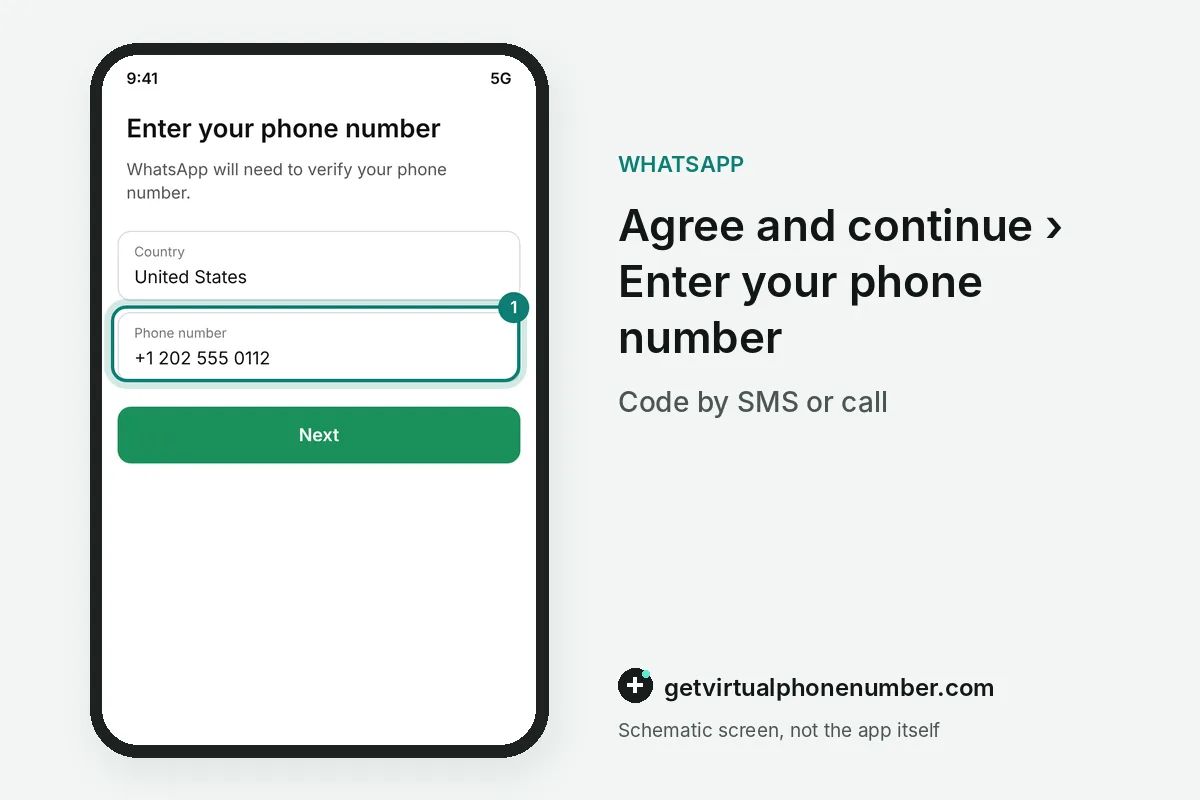
To create a WhatsApp account, install the app, tap Agree and continue, enter your phone number and type the code that WhatsApp sends by SMS. Then add a profile name. WhatsApp's terms set the minimum age at 13, and the whole sign-up takes a few minutes on any recent Android phone or iPhone.
Where do you download WhatsApp to create an account?
To create a WhatsApp account, open the App Store on an iPhone or the Google Play Store on an Android phone and search for WhatsApp Messenger. Check the developer name. The real app comes from WhatsApp LLC, and copies with similar icons on download sites can carry malware or break the platform's rules.
Tap Get or Install, wait for the download and open WhatsApp from your home screen once it finishes. The welcome screen then asks you to read the Terms of Service and the Privacy Policy.
How do you verify your phone number with the 6-digit code?
To verify your phone number on WhatsApp, enter it with the country code and type the 6-digit code from the SMS. A voice call is the backup. The call option appears once the timer runs out and reads the same code aloud, which also lets a landline create a WhatsApp account.
Repeated requests start a cooldown that grows with each try. The fixes for a code that never arrives are in WhatsApp code not received.
How do you set up a WhatsApp profile name and photo?
Setting up a WhatsApp profile takes a profile name and an optional photo, both entered right after verification. People see the name first. Contacts who have not saved your number see that profile name next to your messages, while saved contacts see the name from their own phone book.
WhatsApp then asks for access to your contacts to show who already uses it. A new WhatsApp account works without that access, and the permission can be granted later in the phone's settings.
How do you restore WhatsApp chats from a backup?
Restoring WhatsApp chats works when the number has a backup in Google Drive on Android or in iCloud on iPhone. Restore appears after verification. Tap it before you skip ahead, because the option disappears once the new account finishes setting up on the phone.
For example, a WhatsApp backup made on 1 October 2026 brings back the chats and media of the old account up to that day. A restore needs the same phone number and the same phone platform as the backup.
What is the minimum age for a WhatsApp account?
The minimum age for a WhatsApp account is 13 under WhatsApp's terms of service, and local law can set a higher age. Europe moved to 13 in 2024. WhatsApp lowered its age limit for the European region to match the rest of the world, after years at 16 there.
Parents who create a WhatsApp account with a teenager can review privacy settings together, including who sees the photo, About and last seen. Group invitations can be limited to contacts in the same menu.
Can you use a new WhatsApp account on a computer?
A new WhatsApp account works on a computer as a linked device, after the phone scans a QR code from WhatsApp Web or the desktop app. The phone creates the account. Up to 4 extra devices can join one account, and they keep working when the phone goes offline for a while.
The desktop app for Windows and macOS comes from whatsapp.com or the official app stores, and WhatsApp Web runs in any modern browser. Both open the new WhatsApp account after one QR scan.
Why can WhatsApp sign-up fail?
WhatsApp sign-up fails most often because the number lacks its country code or cannot receive an SMS or a call. Some numbers are refused. Numbers from internet-only providers often fail at verification, and a number that already has WhatsApp moves that account to your phone.
WhatsApp number already registered explains that case. For a throwaway test, our free WhatsApp numbers show the code on a public page, which never suits a real account.
WhatsApp account sign-up steps
- Install WhatsAppDownload it from the App Store or Google Play.
- Agree and continueAccept the terms and choose your country.
- Verify the numberEnter the 6-digit code from the SMS or call.
- Add your nameType a profile name and add an optional photo.
- Secure the accountTurn on two-step verification in Settings, Account.
 Algeria
 Netherlands
 Moldova
 Sweden
 Canada
 United States
 United Kingdom