WhatsApp · Account recovery · Facts verified 3 October 2026
You have been banned from WhatsApp? Appeal the ban and recover your account
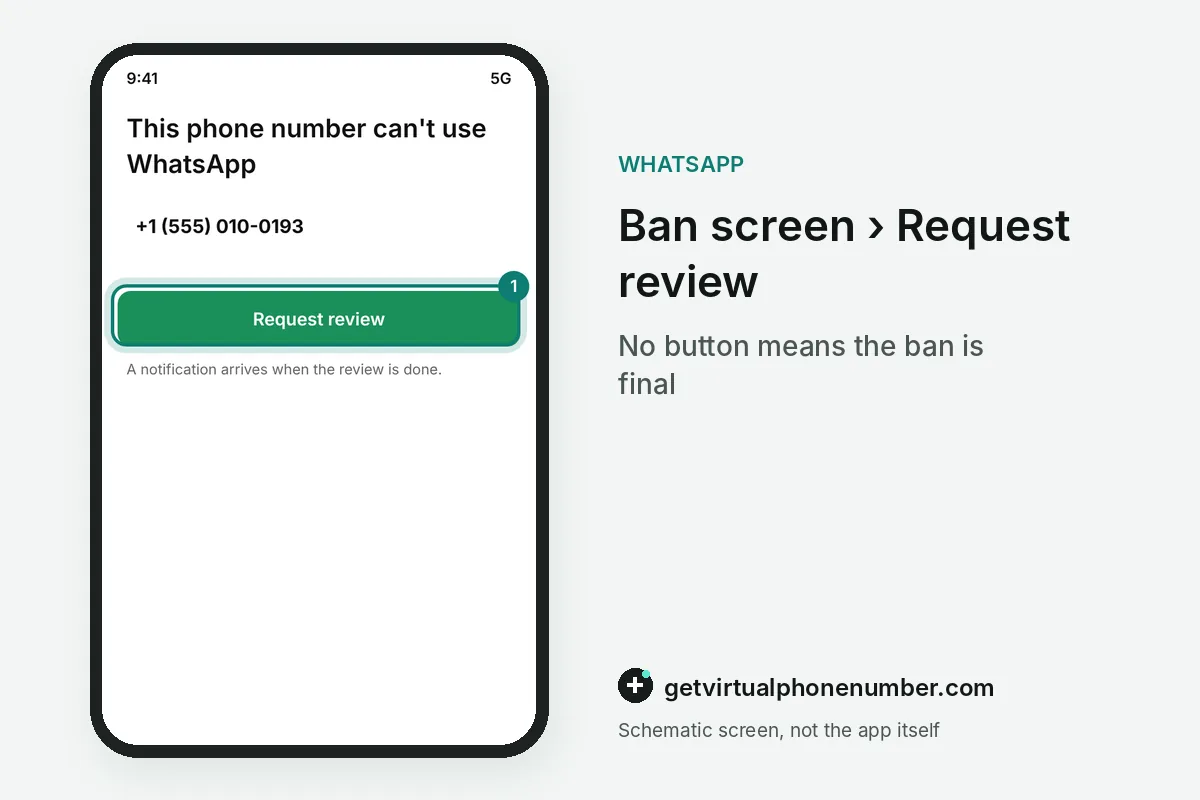
You have been banned from WhatsApp when the screen reads This phone number can't use WhatsApp. Behind that message sit your chats, your backups and, for businesses, a paid verification badge, all frozen until a review clears the number.
What happens when you have been banned from WhatsApp?
When you have been banned from WhatsApp, the number stops working in the app and a review offer replaces your chats. Chat history and backups stay out of reach for as long as the ban stands.
A banned business account loses more than chats. On the Business app, a ban cancels a Meta Verified subscription automatically, with no refund when the ban follows a policy violation.
You have been banned from WhatsApp only if the ban screen appears on the number itself. A WhatsApp Business account on the same number shares that ban, since both apps register the same phone number.
What happens to chats and backups after a ban?
Chats and backups stay sealed during a ban and return only after the number is unbanned. A backup is tied to the number it was made with, so a different number cannot restore the banned account's history.
Once the WhatsApp ban is lifted, register the number again, enter the 6-digit code, and restore from Google Account or iCloud as usual. Make a fresh backup straight after. Do it before anything else changes.
Chat history saved only on the phone is a different matter. It stays on the device during a WhatsApp ban, but the app will not open it. A factory reset or a new handset before the unban would leave the cloud copy as your only source.
A banned WhatsApp account restored from iCloud needs free space of at least 2.05 times the backup size. The WhatsApp help center sets that rule for both iCloud and the phone.
Recovering WhatsApp with your SIM when you are not banned
Recovering WhatsApp without a ban means registering the number again, and the SIM matters more than the handset. Recovery is impossible without a SIM carrying the same number, so a lost card starts with a replacement from your carrier.
If you were never banned, an email address you added and verified earlier can also receive the WhatsApp registration code. It doubles as the reset route for a forgotten PIN in our two-step verification guide. A move to a new SIM needs Change number first, as our change your number guide explains.
Idle accounts follow their own rule: WhatsApp generally deletes an account after 120 days of inactivity, counted from the last connection. The ban screen does not pause that clock.
| Lockout | What the screen says | Official way back |
|---|---|---|
| Banned | This phone number can't use WhatsApp | Request review on that screen |
| Lost or stolen phone | No access to the old handset | Replacement SIM with the same number, then register |
| Idle for too long | Account locked due to inactivity | Register again soon, or data may be deleted |
| Forgotten two-step PIN | PIN prompt after the SMS code | Reset by email, or wait 7 days |
Why do accounts get banned?
Accounts get banned when their activity breaks the Terms of Service, and the help center names spam, scams and anything that puts other users' safety at risk. Its Acceptable Use section lists the rest.
Two triggers lead to a temporary ban instead: running an unofficial app and scraping other users' data. Our spam ban guide covers the bulk-messaging patterns behind most permanent bans.
WhatsApp also bans numbers that many people report or block within a short time, a signal the help center ties to unwanted messages. Bulk tools and contact scrapers produce exactly that pattern. Because chats are end-to-end encrypted, the WhatsApp Help Center explains that bans rest on account behavior and user reports, since message text stays unreadable.
What goes wrong after you have been banned from WhatsApp?
The most common mistake after being banned from WhatsApp is trying to work around the ban instead of appealing it. Reinstalling a modified app while you wait only confirms the reason for the ban.
A different number is no recovery route either, because the ban, the backups and the review all belong to the original one. Our free WhatsApp numbers are never a way around a ban, and accounts you keep belong on your own SIM or a private number (coming soon).
- Paying an outside service that promises an unban
- Filing review requests from several numbers at once
- Buying a new handset, which leaves the ban exactly where it was
- Letting the SIM lapse before the ban is resolved
How long does a ban last?
A ban has no published length. The screen you see decides the answer. A Temporarily banned notice clears once you stop using unofficial software, while a review offer means a full ban that stays until it is reversed.
Third-party guides describe temporary WhatsApp bans with a countdown running from a few hours to a few days. The official warning matters more: keep using the unofficial app after a temporary ban and the account might be banned permanently.
WhatsApp publishes a monthly India User Safety Report under the IT Rules. Each one counts millions of banned accounts. A ban follows the phone number, so it applies on WhatsApp Web and the Business app alike.
Can a banned account be recovered?
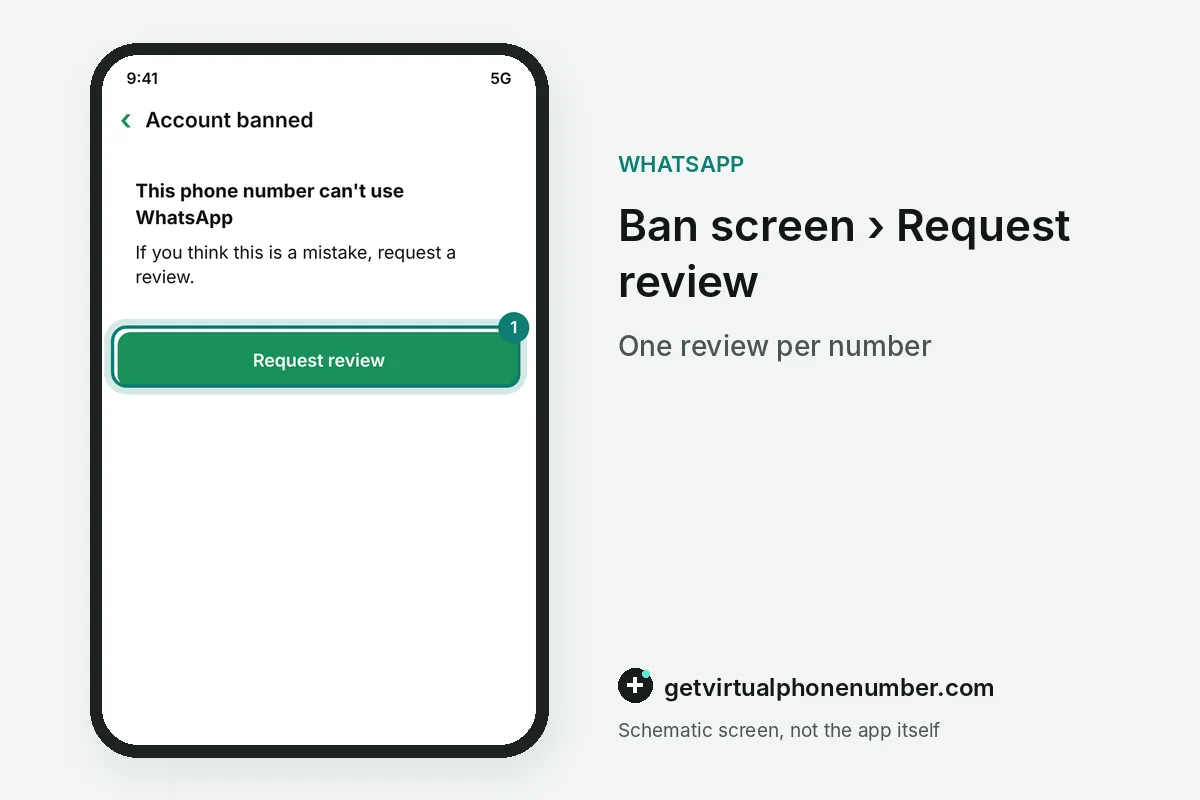
A banned account can be recovered only through a successful review, filed with the Request review button on the ban screen. If the button is missing, the ban is final and cannot be appealed.
Each WhatsApp ban appeal covers one phone number. Contacting support outside the review, or through another user's account, does not speed up or change the decision, and third-party services cannot ban or unban anyone.
For example, a WhatsApp ban review filed on Monday morning usually ends by Tuesday, since most reviews finish within 24 hours. The result arrives as a notification inside WhatsApp.
Appeal a WhatsApp ban step by step
- Keep the app installedOpen it on the banned phone, since the appeal lives on the ban screen and nowhere else.
- Tap Request reviewNo button means the ban is final and cannot be appealed.
- Watch for the decisionA notification arrives when the review is done, and opening the app shows its status in the meantime.
- Restore your backupAfter an unban, the backup tied to that number becomes available again.
- Read the rules againReview the Acceptable Use section of the Terms of Service before you message anyone new.
Sources
- About account bans | WhatsApp Help Center
- About temporarily banned accounts | WhatsApp Help Center
- About restricted accounts | WhatsApp Help Center
- About account bans on the WhatsApp Business app | WhatsApp Help Center
- WhatsApp Banned? How to Appeal and Recover Your Account (2026 Guide)
- Top Reasons WhatsApp Accounts Get Banned & How to Avoid It | WAWCD Insights
 Canada
 United States
 Netherlands
 Sweden
 Algeria
 Philippines
 Sri Lanka
 Slovenia
 United Kingdom