WhatsApp · Forgot PIN · Facts verified 3 October 2026
Forgot Your WhatsApp Two-Step Verification PIN
A forgotten WhatsApp two-step verification PIN is reset with the email link behind Forgot PIN on the PIN screen. Without an email, the reset waits 7 days. A reset more than 30 days after your last use creates a new account on the number. The timing therefore decides what happens to the profile, the settings and any messages still waiting on WhatsApp's servers.
What happens if I forget my two-step verification PIN on WhatsApp?
Forgetting the WhatsApp two-step verification PIN blocks registration of your number on a new phone until you reset it. The old phone keeps working. Chats stay on that phone as long as the app there stays registered, so a forgotten PIN usually hurts only when you move to a new device.
The PIN differs from the 6-digit registration code that arrives by SMS or call. A code that never comes is a separate problem, covered in WhatsApp code not received.
How do you use Forgot PIN and the reset link?
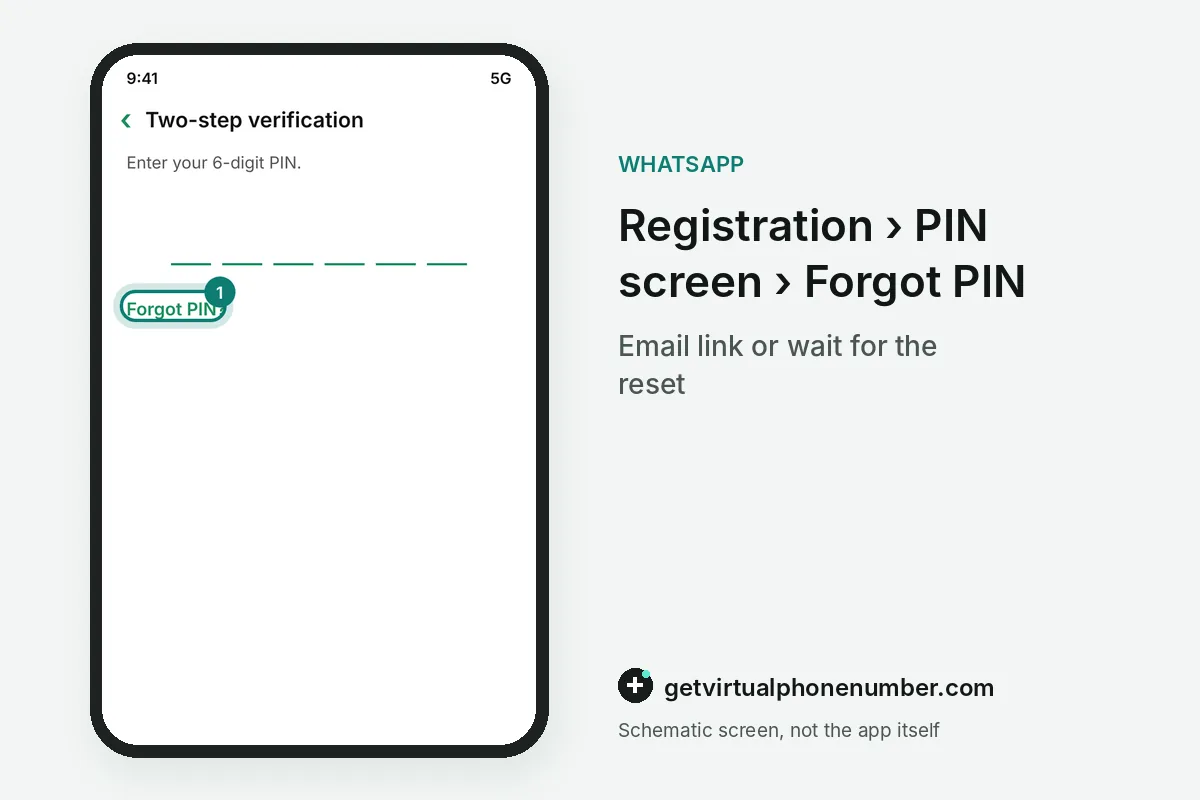
To use Forgot PIN, open WhatsApp and tap the link on the PIN screen, which some versions call Verify another way. Then tap Send Email. WhatsApp sends a reset link to the address you registered with two-step verification, usually within a minute or two.
Open the email, click the reset link and choose Confirm in the browser. Return to WhatsApp to complete the registration, then set a new PIN in Settings, Account, Two-step verification.
How long does a WhatsApp PIN reset take without email?
Without an email, the WhatsApp PIN reset option appears after a waiting period of 7 days, according to WhatsApp's help pages. The timer protects you. Someone who got your SMS code still has to wait the same week, which gives the real owner time to register the number again first.
For example, a forgotten PIN blocked on 3 October 2026 becomes resettable on 10 October 2026. Keep the phone with your SIM card close until the WhatsApp reset option appears.
What happens to your WhatsApp chats after a PIN reset?
A WhatsApp PIN reset within 30 days of your last use keeps the account and its settings. Later resets start fresh. After more than 30 days, registering without the PIN deletes the old account, including the profile, and creates a new account on the same number.
Chats saved in a Google Drive or iCloud backup can still be restored on the phone after a WhatsApp PIN reset. Messages waiting on WhatsApp's servers are the part at risk.
Why can't you bypass the WhatsApp two-step verification PIN?
You can't bypass the WhatsApp two-step verification PIN, because the help pages offer only the email link and the waiting period. Bypass tools are scams. Apps and sites that promise to skip the PIN usually ask for your registration code, which hands your account to their authors.
A PIN set by someone else who registered your number follows the same 7-day rule. The takeover steps are in WhatsApp number already registered.
Where do you find the 6-digit code for WhatsApp?
The 6-digit code for WhatsApp registration arrives by SMS or voice call to your number, and WhatsApp never shows your two-step verification PIN anywhere. You chose that PIN. A forgotten PIN therefore has no place to look it up, and Forgot PIN is the only way forward.
Password managers and notes apps are the usual places where people find an old WhatsApp PIN again, so search them before you start the reset. Test lines on our free WhatsApp numbers need a PIN that you store as well.
What if you forgot the WhatsApp backup password instead of the PIN?
The backup password is a separate secret that protects an end-to-end encrypted backup, set in Settings, Chats, Chat backup. The key can have 64 digits. WhatsApp cannot reset that password, because only you hold it, and the PIN reset leaves the encrypted backup locked.
Without the backup password the encrypted backup stays closed, although the WhatsApp account and its two-step verification PIN keep working. Store the 64-digit key offline.
WhatsApp forgotten PIN reset steps
- Tap Forgot PINIt appears on the PIN screen during registration.
- Send the emailOpen the reset link from the address you added.
- Or wait for the resetWithout email, the option appears after 7 days.
- Set a new PINTurn two-step verification back on with an email.
 Algeria
 Netherlands
 Moldova
 Sweden
 Canada
 United States
 United Kingdom