WhatsApp · Delete account · Checked on 3 October 2026
How to Delete Your WhatsApp Account
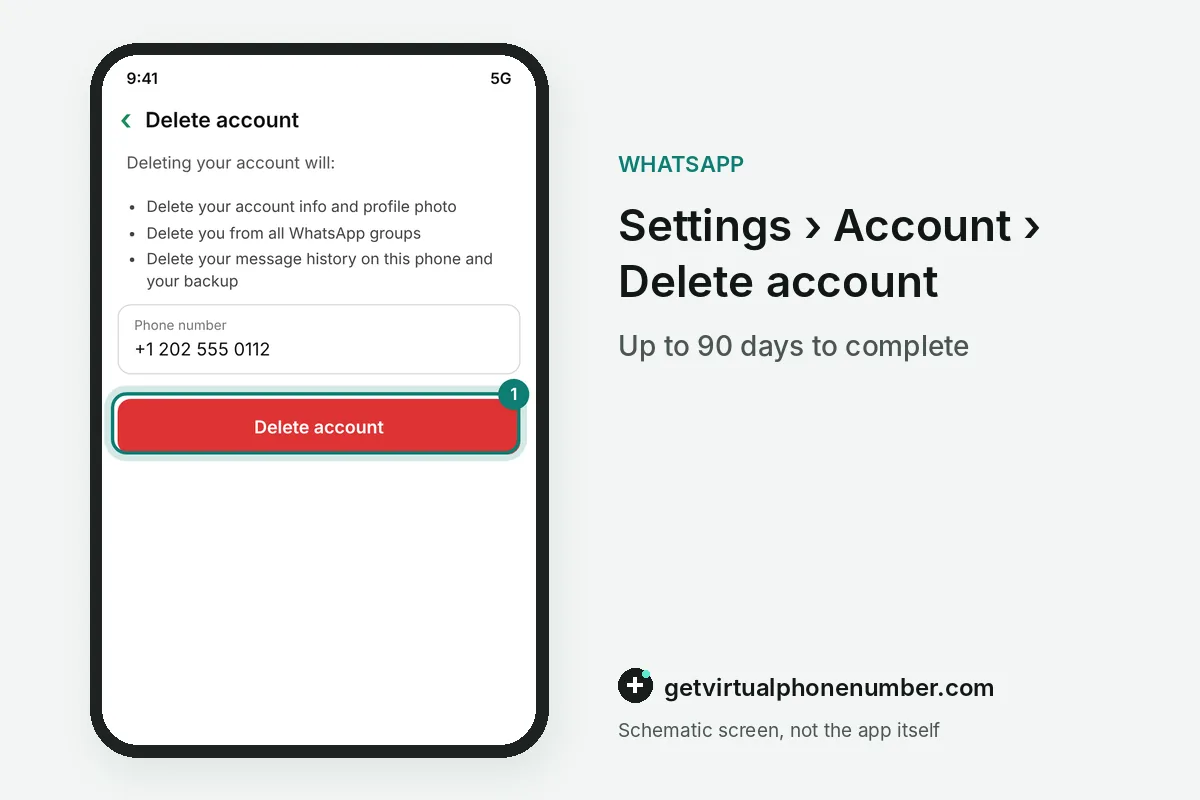
To delete your WhatsApp account, open Settings, Account, Delete account, enter your number and confirm. The deletion cannot be undone. WhatsApp erases your message history, removes you from groups and deletes your backup within 90 days. Uninstalling the app alone leaves the whole account alive, which is the most common mistake people make.
How do you use Delete account in WhatsApp settings?
To use Delete account in WhatsApp, open Settings, Account, Delete account, type your number with the country code and tap Delete account. A reason may be asked. The number must match the account exactly, including the country code, or WhatsApp rejects the request and the account stays active on the phone.
On a phone with two WhatsApp accounts, switch to the one you want to delete before you open the menu. The other account keeps running untouched.
What happens when you delete your WhatsApp account?
Deleting your WhatsApp account erases your profile, your message history on that phone and your membership in every group. The chat backup goes as well. A Google Drive or iCloud backup linked to the account disappears, and a new registration with the same number starts a WhatsApp account with no chats.
Messages you already sent stay on the phones of the people who received them, because deleting the WhatsApp account touches only your side. Group chats keep your old messages too.
Why can WhatsApp take 90 days to delete an account?
WhatsApp can take up to 90 days from the start of the process to delete an account fully from its systems. Other users cannot see your information during that period. Copies may stay longer in disaster-recovery backups, and some records can be kept for legal reasons after you delete the WhatsApp account.
The 90-day window covers WhatsApp's servers only, so remove the app from the phone yourself once the deletion is confirmed. Local media files in the gallery stay until you delete them.
Can you remove sent messages before you delete WhatsApp?
Sent messages leave other people's phones only through Delete for everyone, which works for about 2 days after sending. Older messages stay where they are. Deleting the WhatsApp account later does nothing to messages that the other person still holds in the chat.
For example, a WhatsApp message sent on 1 October 2026 can be deleted for everyone until about 3 October 2026, before you delete the account. After that, only the recipient can remove it.
What should you save before you delete WhatsApp?
Before you delete WhatsApp, export important chats one by one with Export chat in each chat's menu, and save photos and files to the gallery. Then request your data. Request account info in Settings, Account prepares a report in about 3 days, and that report disappears with the account.
Download the report before you delete the WhatsApp account, because the menu that offers it is gone once the deletion starts. The file arrives as a ZIP archive.
How do you deactivate WhatsApp on a lost or stolen phone?
A lost or stolen phone cannot reach Settings, so WhatsApp deactivates the account by email instead. Send the phrase Lost/Stolen in the email. The message reads Lost/Stolen: Please deactivate my account, followed by your number in full international format.
Messages to a deactivated WhatsApp account stay pending for up to 30 days, and after that period the account is deleted for good. A full deletion from Settings remains the cleaner route once you have a new phone.
What happens to WhatsApp accounts after 120 days without use?
WhatsApp deletes accounts after about 120 days of inactivity, meaning the app has not connected in that time. No request or confirmation is needed for that. An account that sits unused on an old phone therefore ends without any action, although deleting the WhatsApp account yourself is faster and cleaner.
A test account on our free WhatsApp numbers should be deleted before you leave the line. To keep your chats and drop only the number, change your WhatsApp number instead.
WhatsApp account deletion steps
- Save what you needExport chats and request account info.
- Open Delete accountSettings, Account, Delete account.
- Enter your numberUse the full international format.
- ConfirmPick a reason if asked and tap Delete account.
 Algeria
 Netherlands
 Moldova
 Sweden
 Canada
 United States
 United Kingdom