Facebook · Account recovery · Facts verified 3 October 2026
Facebook account recovery for profiles, Pages and locked accounts
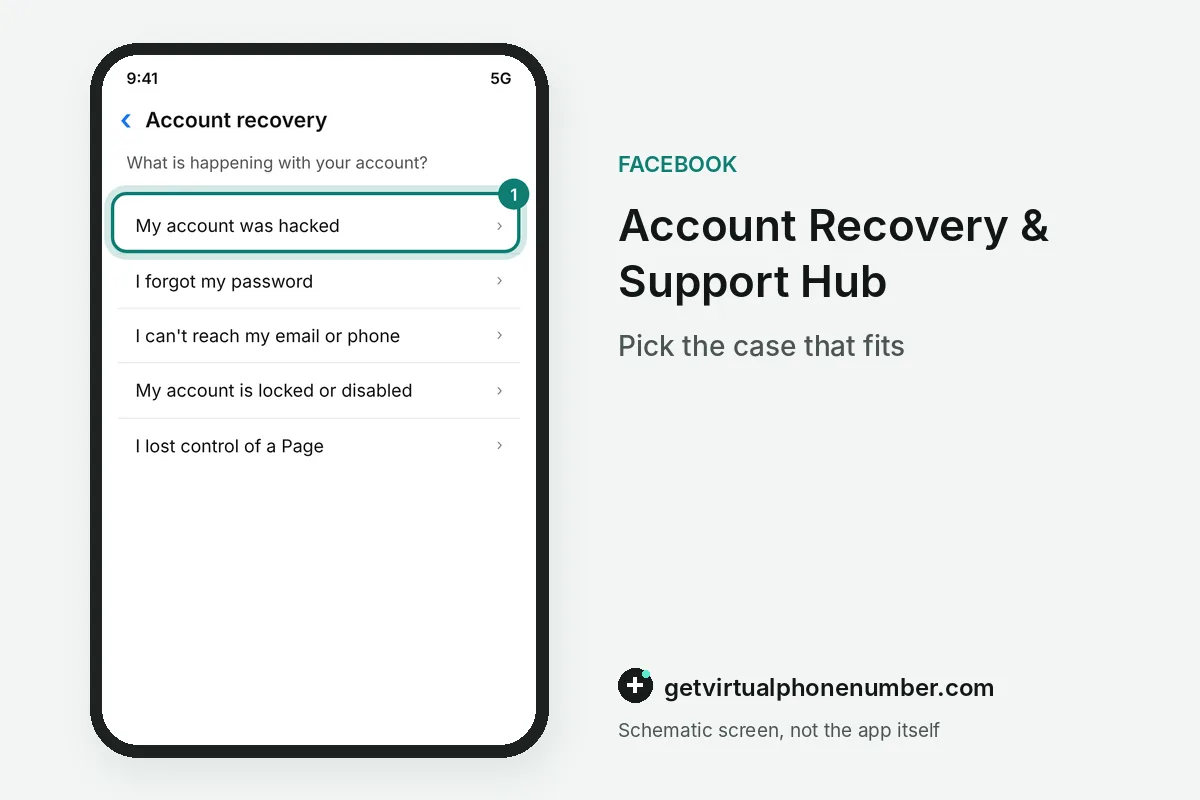
Facebook account recovery covers more than a forgotten password. Hacked profiles, locked or disabled accounts, imposter profiles and Pages you manage each have their own entry in the Account Recovery & Support Hub. Pick the entry that matches your case before you touch any reset form.
How does Facebook account recovery work?
Facebook account recovery starts in the Account Recovery & Support Hub, where you pick the case that matches yours. The three main entries cover a hacked profile, a forgotten password and contact details you cannot reach anymore.
Further entries cover a locked account, a suspended or disabled one, an imposter profile, two-factor login trouble and control of a Page. Run the chosen route on a device that logged in before, such as your own phone, an old phone or a family member's laptop.
For example, an owner with 1 old phone that still has the Facebook app logged in should start there. A new phone looks like a stranger to the recovery checks. Patience helps too.
How do I get my own Page back?
You get your own Page back through the Hub entry for recovering control of a Page you manage, or through the hacked Page entry if someone took it over. Each one runs separately from the account recovery of your personal profile.
In Facebook account recovery, Page roles come back only through that Page entry. Profile first, Page second. Admin access lost to a hacker needs the hacked Page route, while a forgotten admin login needs the control route.
- Page admins share Meta's higher-risk group with big creators and civic figures.
- Accounts in that group may be required to turn on Advanced Protection.
- Advanced Protection pushes passkeys, two-factor authentication or a stronger password.
- Set it up before a Page dispute starts.
Can you recover a locked or disabled account?
A locked or disabled account has its own entries in the Support Hub, separate from password resets. Pick My Meta account is locked or My account is suspended or disabled, then follow the instructions for that case.
Some lockouts trace back to Advanced Protection. A required account that never finishes setup may lose access to certain features or to the account itself, and required accounts cannot unenroll. Mail about this requirement comes from security@facebookmail.com, and Meta never asks for your password in that mail.
Which account recovery route fits your problem?
The right account recovery route depends on what still works for you. Match your case to a row before you start, since each route asks for different proof.
| Problem | Start here | What happens next |
|---|---|---|
| Hacked, or not sure | facebook.com/hacked | Guided checks on a known device |
| Forgot the password | Forgot password? on the login screen | Search by email, mobile number, full name or username |
| Contacts out of reach | facebook.com/login/identify | Pick the option for contacts you cannot reach |
| Two-factor trouble | Hub entry for two-factor login | A different contact detail for the reset |
| Locked, suspended or disabled | Matching Hub entry | Instructions for that case |
| A Page you manage | Hub entry to recover control of a Page | Separate Page steps |
What goes wrong in Facebook account recovery?
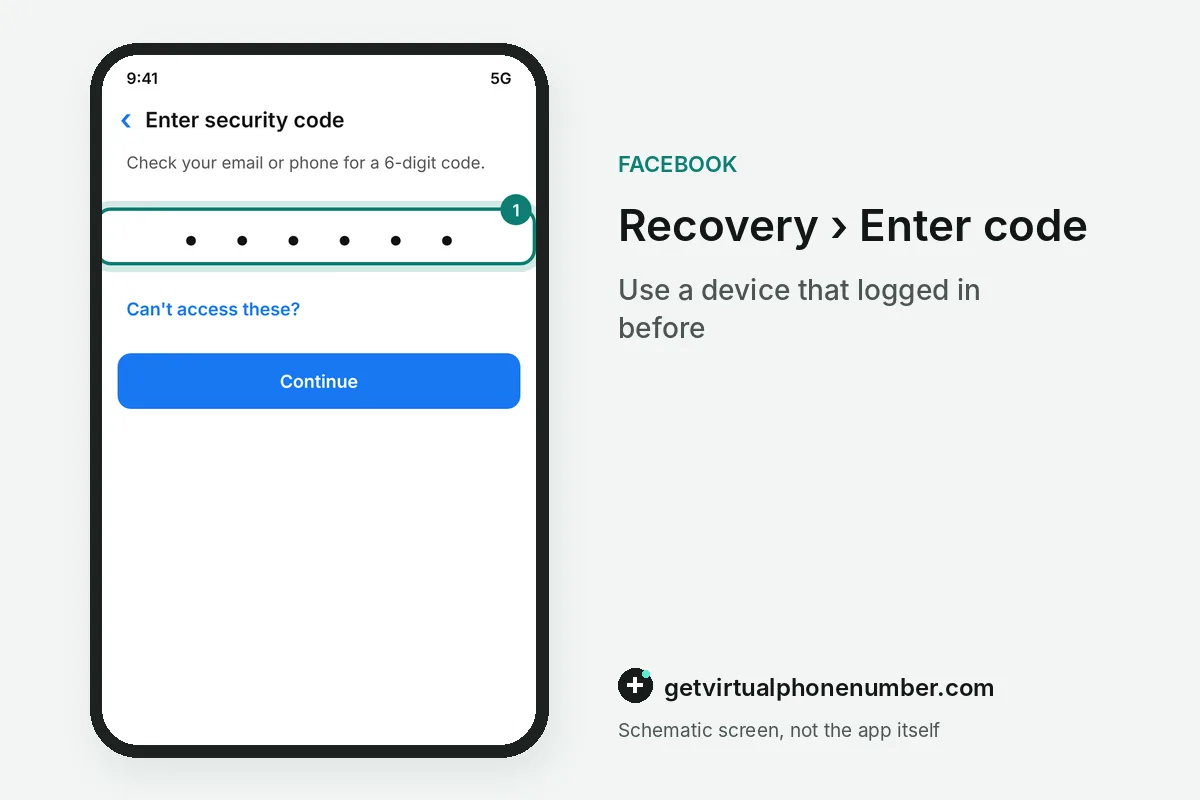
Starting on a new phone or a borrowed computer is the classic account recovery mistake. Every route works most reliably on a device that has logged in before. Repeating resets is another, since you can only reset a password a certain number of times a day.
Account recovery under two-factor has a trap: the mobile number that receives login codes cannot reset the password, so add a second number or an email first. Pick that new contact with care, using your own SIM card or a private number (coming soon). Our free Facebook numbers suit throwaway test profiles only, because every visitor can read their messages.
- Offering contact details the account already used.
- Skipping the spam or junk folder when a code goes missing.
- Forgetting the country code, such as +1 for the United States.
- Treating a Page problem as a profile problem.
Use the Account Recovery & Support Hub
- Open the HubLoad the Account Recovery & Support Hub on a device that has logged into the account before.
- Choose your caseSelect hacked, forgotten password, lost contacts, locked, disabled, imposter or Page control.
- Follow the promptsAnswer each screen in order. The lost-contact case starts with a hacked-account search, so fill it in anyway.
- Separate Page from profileRun the Page control entry on its own once your personal profile works again.
- Reset and reviewSet a new password, then check which Pages and devices still have access.
Sources
- Recover your Facebook account if you can't access your account email address or mobile phone number | Facebook Help Center
- Recover your Facebook account if you can’t log in | Messenger Help Center
- Change your password | Facebook Help Center
- I Can't Log In | Facebook Help Center
- Account Recovery | Facebook Help Center
- Recover an Account | Facebook Help Center
 Canada
 United States
 Netherlands
 Sweden
 Algeria
 Philippines
 Sri Lanka
 Slovenia
 United Kingdom