Telegram · Banned number and recovery · Updated 3 October 2026
Telegram phone number banned: how to appeal and recover access
Telegram phone number banned is the error Telegram shows when it blocks a number from logging in or signing up, with a pointer to login@telegram.org. A banned number is different from a spam limit or a frozen account. Each restriction has its own official appeal, and no third party can lift a ban.
What does a banned phone number mean on Telegram?
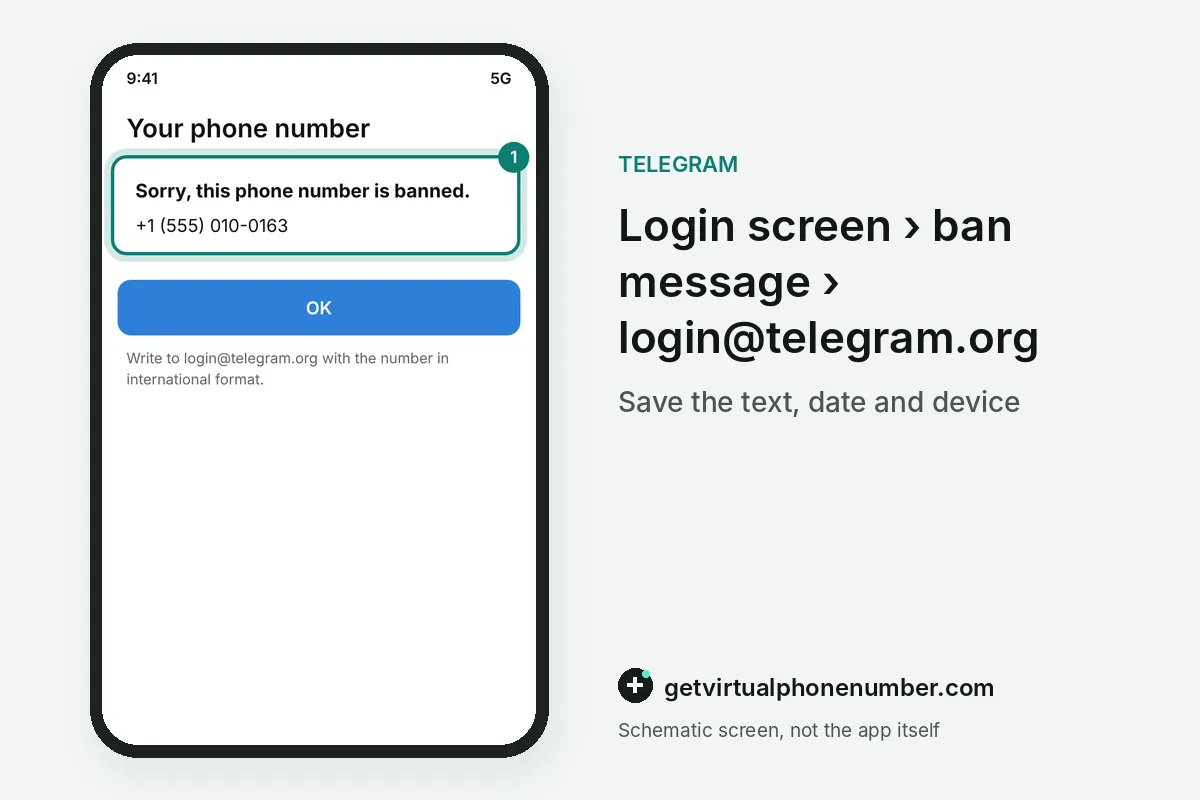
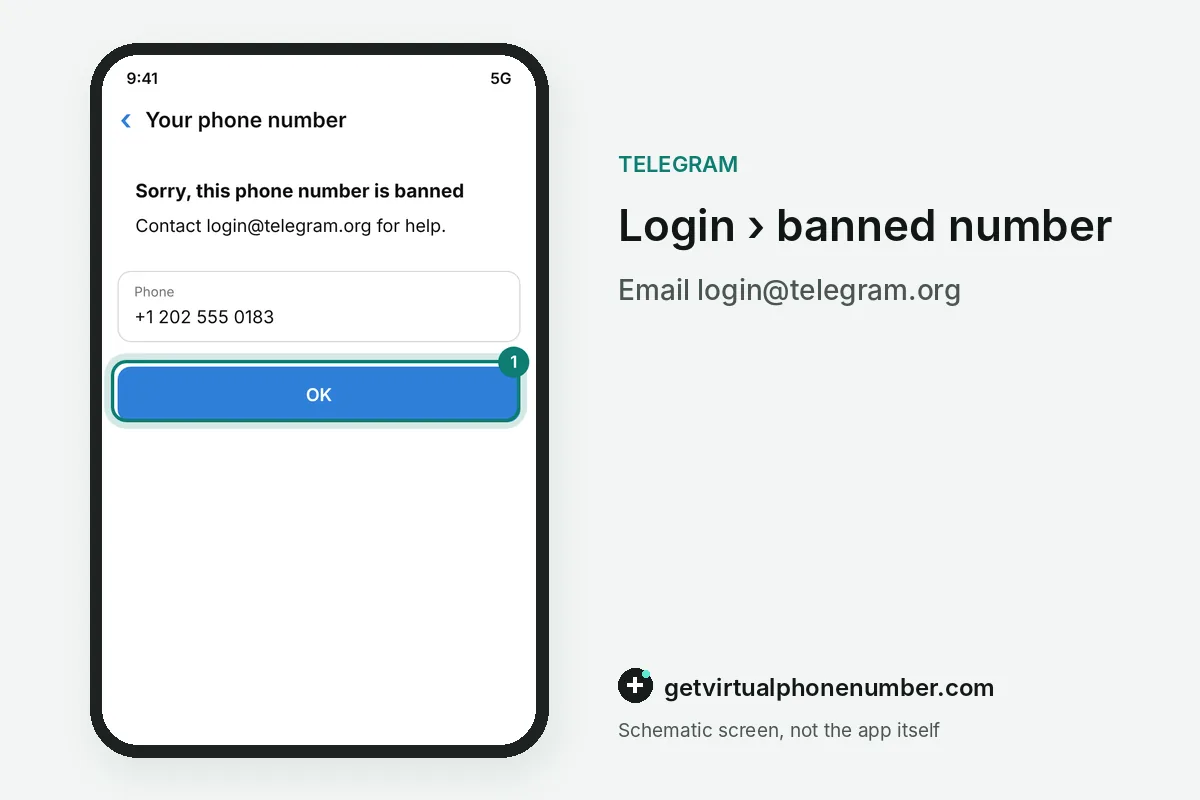
When your phone number is banned on Telegram, the app shows: Sorry, this phone number is banned, followed by an invitation to contact login@telegram.org. The banned number cannot log in or create an account until Telegram reviews it. The message names no reason and offers no appeal button.
A banned phone number is the hardest restriction the app applies. Other restrictions leave something working, while a banned number cannot log in at all. The email address on the error screen is where the appeal starts. Be precise.
Why is my phone number banned on Telegram?
The app does not explain why a phone number is banned. Indeed, the error text is the same for every banned number. Comments on the official translation platform show many people pasting the ban message with no idea of the cause. Appeals there go nowhere, since that site only handles app wording.
One documented pattern behind a banned or limited phone number comes from the Spam FAQ. A recycled number can carry a previous owner's history, and certain virtual or VoIP numbers get stricter treatment. If the banned number is new to you, say so in your appeal.
For example, a SIM you bought 2 weeks ago can carry the previous owner's ban. Say in the appeal that the number has been yours for only 2 weeks.
How do you appeal a banned Telegram phone number?
Appeal a banned Telegram phone number by emailing login@telegram.org with the number in international format and a short, factual description. The support form at telegram.org/support asks for the same details plus your full legal name and email. Keep the request in one channel and wait for the answer. Do not resend.
For a banned number, the company also runs one official login help account on X, @smstelegram, and the FAQ asks people to DM it the number in question. The FAQ warns that there are no other support accounts on any social network. Anyone else who offers to unban a number is not Telegram.
A clear appeal with the number, the date the SIM became yours and the exact error text gives the reviewer everything at once and avoids a second round of questions. One email is enough.
Is a banned number the same as a SpamBot limit or a frozen account?
No, a banned phone number is a separate restriction from a frozen or limited account. A frozen account can still read chats and appeals inside the app, while a limited account appeals through @SpamBot. Only a banned number goes through login@telegram.org.
A limited Telegram account can still message people who saved its number and reply to anyone who writes first, so many owners notice a limit only days later. A banned number gets no such grace.
A banned SIM is not the only way back to Telegram. Anonymous +888 numbers bought on Fragment sign up without any SIM and receive their codes inside Telegram.
Can you recover a Telegram account on a banned number?
You can recover an account on a banned phone number only if the ban is lifted after review, so keep that SIM active while you wait. Our free Telegram numbers never fit an account you want back, since anyone reads their inbox. A new number creates a new, empty account and does not bring back the banned one. A deleted account is gone for good, since the FAQ calls termination irreversible.
Telegram also deletes an inactive account on its own after a period you set under Privacy and Security, with 6 months as the default. A banned account left alone runs into that timer too.
Mistakes that make a Telegram ban harder to fix
The costliest mistakes after a Telegram phone number ban happen in the first hours, when a quick fix looks tempting. Unofficial helpers cannot reach the official review, and a new account does not restore the banned one.
- Paying a third-party unban service, since Telegram lists no such partners.
- Sending your number or codes to accounts that claim to be Telegram support.
- Letting the banned SIM lapse while the appeal is open.
- Signing up again on a shared public line, where earlier activity can trigger new limits. Public free Telegram numbers suit tests only, and a private number (coming soon) suits an account you keep.
Appeal a banned Telegram number
- Copy the ban messageSave the exact ban text, Sorry, this phone number is banned, together with the date it first appeared and the device you were using at the time.
- Email login@telegram.orgSend the banned phone number in international format and a short, factual description.
- Use the support formFill in the official support form with your full legal name, email and the banned number.
- Message @smstelegramSend the banned number in a direct message to the official login help account on X.
- Keep the banned SIMKeep the number in service so you can log in if the ban is lifted.
 Canada
 United States
 Netherlands
 Sweden
 Algeria
 Philippines
 Sri Lanka
 Slovenia
 United Kingdom