Telegram · Add phone number · Facts verified 3 October 2026
How to add a phone number to Telegram, for contacts and for you
To add someone on Telegram by phone number, save their full number with the country code as a contact, and Telegram lists them in Contacts if they have an account. Adding your own number is a separate, one-time step at sign-up.
How do you add a contact on Telegram by phone number?
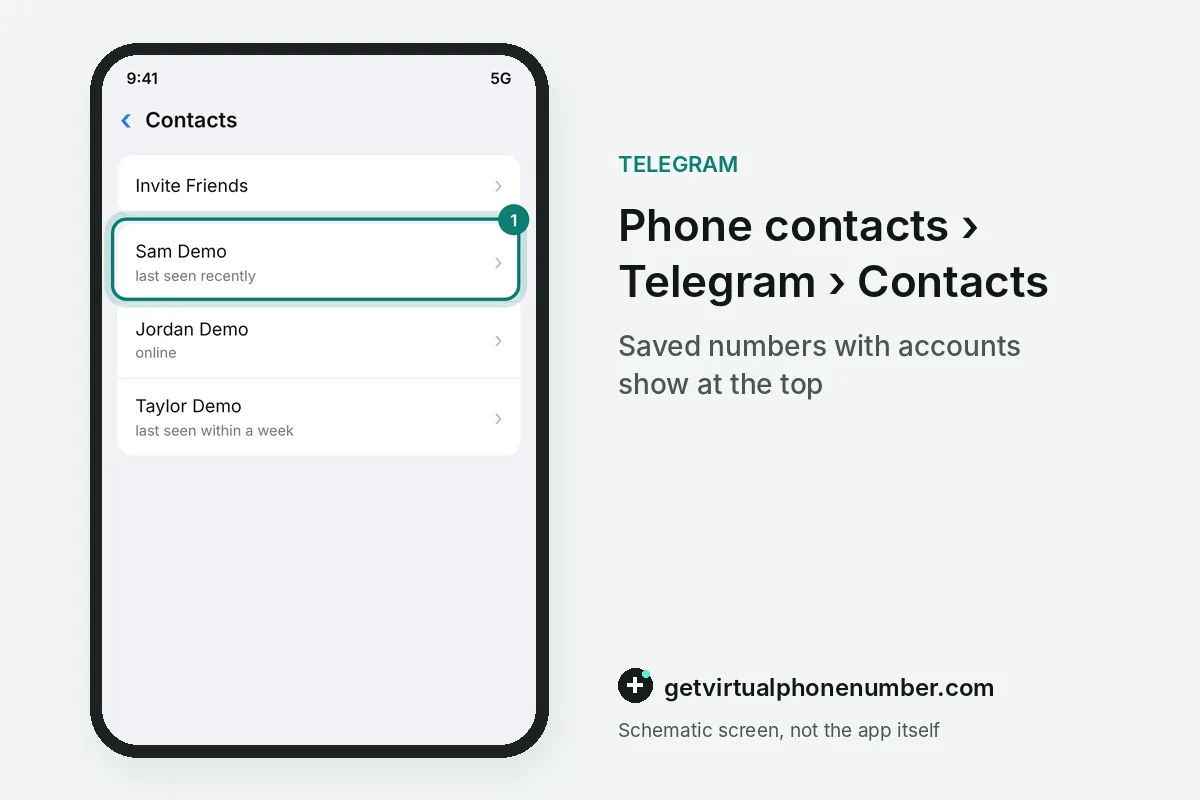
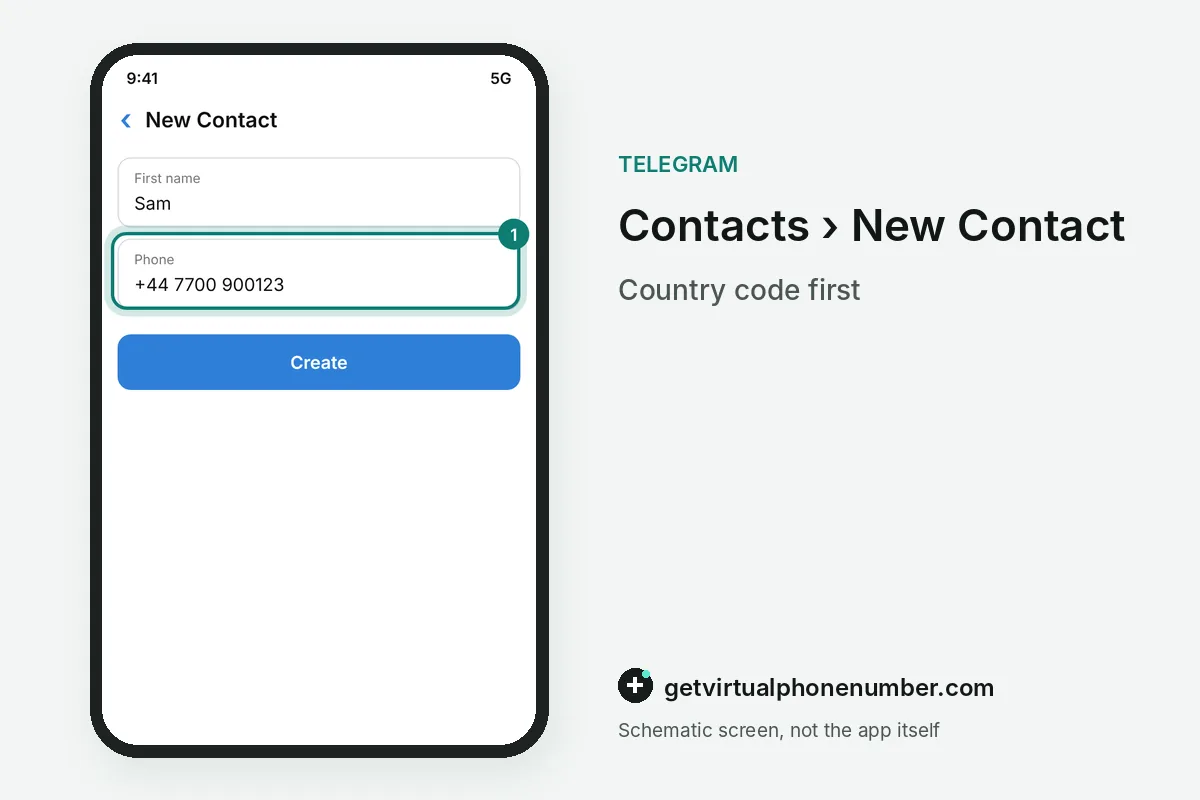
To add someone on Telegram by phone number, you need their full number, including the country code. Save it as a contact on your phone, then open Contacts in Telegram, where people with accounts appear at the top with a photo. Tap the name to message that person directly, with nothing else to confirm. No request is sent.
Adding a contact on Telegram by phone number works the same on iPhone and Android. Open Contacts in Telegram and choose the option to add a contact, or save the number in the phone's address book first. Then tap the name and write, with no request or approval needed.
How do you add contacts to a Telegram group by phone number?
To add contacts to a Telegram group by phone number, pick them under Group Info, Add Member, after you save each number on your phone. Every contact you added by phone number is listed there. Invite to Group via Link covers the people whose number you lack. A Telegram group holds up to 200,000 members.
Why can't you add someone on Telegram by phone number?
You can't add someone on Telegram by phone number when that number has no Telegram account, so the contact never appears in the list. Check that you saved the full number with the country code, then invite the person. On Android the app menu has Invite Friends, and on iPhone the invitation is an SMS your carrier charges like any other text.
When a phone number you added shows up in Telegram as bare digits instead of a name, the FAQ treats it as a sync problem. Update and relaunch the app, then rename the contact on your phone with a few extra symbols and change it back.
How to get the most from adding contacts on Telegram
Adding contacts to Telegram goes smoothly when every number carries a name and its country code. Telegram shows the name from your phone's address book. Once you add someone, their profile also offers a Secret Chat from the menu.
Telegram syncs your phone contacts only if you allow access. Under Settings, Privacy and Security, Data Settings, the Sync Contacts switch turns it off, and Delete Synced Contacts removes the copy from the server. On Telegram Desktop, the same contacts appear once the phone has synced them. A stranger who writes first gets your number only if you tap Share My Phone Number in that chat.
- Add the plus sign and country code to every number you save.
- Add contacts on your phone first, so every Telegram app you use shows them.
How do you add someone on Telegram without their number?
Telegram also adds people by username. Type @ and the username in search, or scan the QR code that each profile shows under its username, and the chat opens without any phone number.
Your own number stays private the same way. Under Privacy and Security, Phone Number decides who sees it, and Who can find me by my number set to My Contacts stops strangers from matching it.
For example, a contact saved as 07700 900123 without +44 never appears in Telegram. Saved as +44 7700 900123, the same person shows up at once.
How do you add your own phone number to Telegram?
You add your own phone number to Telegram once, at sign-up. To add a different number later, move the account with the change phone number guide or run both through the second account guide. A shared line from our free Telegram numbers suits a test account, and a private number (coming soon) suits one you keep.
Add a contact on Telegram by phone number
- Save the numberAdd the person to your phone's contacts with the full phone number and country code.
- Open Contacts in TelegramContacts you added by phone number appear at the top once they have accounts. Others show up later, once they join.
- Message themTap the contact you added by phone number and send a message. No approval is needed.
- Invite the restIf the phone number you added has no account, invite the person with Invite Friends or telegram.org/dl.
 Canada
 United States
 Netherlands
 Sweden
 Algeria
 Philippines
 Sri Lanka
 Slovenia
 United Kingdom