Gmail · Add phone number · Updated 3 October 2026
How to add a phone number in a Google account, slot by slot
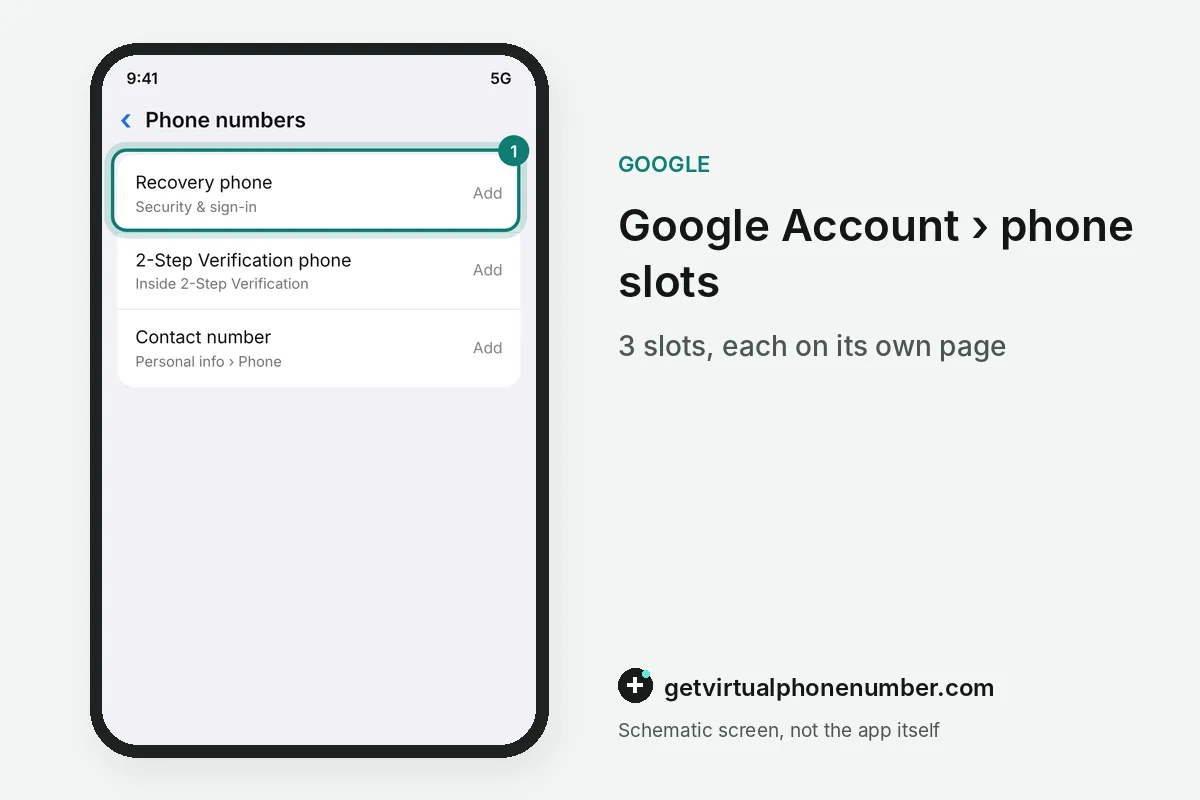
How to add a phone number in a Google account starts with the slot you fill. A Google account has 3: the recovery slot, the 2-Step Verification slot and the contact slot in Personal info. Each slot has one job and its own page. Pick the slot first, then add the number there.
Which phone slots does a Google account have?
A Google account has three phone slots, and each slot is added and edited on its own page. The recovery slot sits under Security & sign-in, and the 2-Step Verification slot sits inside 2-Step Verification. The contact slot is the Phone page of Personal info.
Filling one slot leaves the other two as they were. The same account can hold different digits in different slots, and an extra number on the Phone page does not replace the recovery phone. Each slot needs its own edit.
| Slot | Where it sits | Job | How many |
|---|---|---|---|
| Recovery slot | Security & sign-in | Reopens a locked account | One |
| 2SV slot | 2-Step Verification | Second step after the password | Own list |
| Contact slot | Personal info, Phone | Reach, Calendar, ads | Several |
What does the contact slot on the Phone page control?
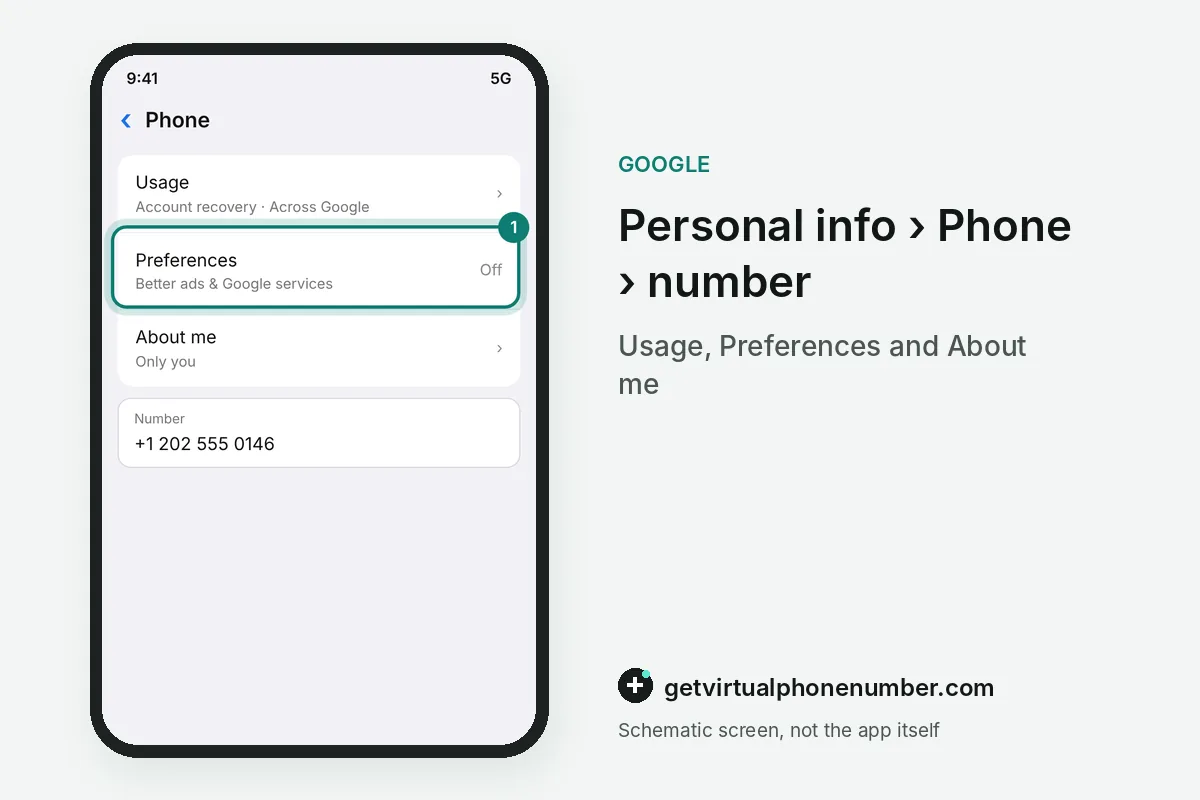
The contact slot on the Phone page lists every number with three lines under it: Usage, Preferences and About me. Each line opens its own setting, and a change there applies to that number only. Other numbers stay as set.
About me decides who can see a number in the contact slot, from only you to people who look you up on Google services. A visible number helps people who already have it find and connect with you. Google states it does not sell your phone number to anyone.
Preferences holds the Better ads & Google services switch for each number in the slot. With it on, Google can use the number for more relevant ads, and Across Google appears under Usage. Switch it off if you do not want personalized ads.
Which services keep a phone slot of their own?
Calendar, Chrome, Google Pay and Google Business Profile keep a phone slot of their own, apart from the Phone page. A number you add in Personal info may stay old inside those services until you add it there too.
The 2SV slot has its own list of phones, separate from the Phone page. A number listed there receives the second-step texts or calls, and the 2-Step Verification guide compares it with Google prompts and passkeys.
What belongs in the recovery slot?
The recovery slot holds one number only, so it suits the mobile line you carry every day. Pick a SIM you will keep. A Google Voice number is a poor fit for this slot, Google says, because Voice sits behind the same sign-in you would be trying to recover.
To add a phone number to Gmail recovery, open Security & sign-in and fill this recovery slot. A Gmail address gets its number through the same Google Account pages, because Gmail uses the account's phone slots.
How do you add a phone number on Android, iPhone and the web?
You add a phone number to the same three slots from Android, iPhone or the web, and only the route to them changes. On a computer, open myaccount.google.com, then Personal info and Phone for the contact slot, or Security & sign-in for the recovery slot.
On an Android phone
On Android, open your Google Account from the Google entry in the device's Settings app, then pick the slot through Personal info or Security & sign-in. Android adds one shortcut: a number already verified on that device can fill a slot in any Google Account the device holds.
On an iPhone
On an iPhone, open the Gmail app or the Google app, tap your profile picture and pick Manage your Google Account. The Personal info and Security & sign-in tabs then list the same three slots as the web pages.
How does Google verify the number you add?
Google verifies a number you add to any slot with a short check, usually a text you confirm on the next screen. In certain cases it asks you to scan a QR code on your computer with that phone, a check it calls less exposed to number-based abuse.
After that, Google re-checks the number in each slot from time to time. A number new to the recovery slot can wait up to 7 days before Google trusts it for a password change. A passkey or security key shortens the wait.
For example, a number added to the recovery slot on the 1st may wait until the 8th. Only then does Google accept it for a password change. Plan early.
What goes wrong when adding a number to Google?
A common mistake when adding a number to Google is choosing a line that will not stay yours, like a work line or a prepaid SIM you plan to drop. Another is filling the contact slot and assuming the recovery slot now holds the same number.
Fill the slots of a Google account you keep with your own SIM or a private number (coming soon). Leave public Gmail lines to test accounts, since anyone can open their shared inbox.
Add a phone number to the contact slot of your Google Account
- Open your Google AccountGo to myaccount.google.com, or open Manage your Google Account from the Gmail app or the Android Settings app.
- Open the contact slotIn Personal info, under Contact info, select Phone.
- Add the numberChoose Add a recovery phone if the slot is empty, pick the country from the drop-down list and type the number.
- Confirm itFinish the check Google shows, usually a code sent to that number.
- Review the linesCheck Usage, Preferences and About me under the number you added.
Sources
- Add your phone number - Android - Google Account Help
- Change the phone number on your account & how it's used - Computer - Google Account Help
- How to Add, Modify, or Remove Your Phone Number From Google Account
- How to add, change, or remove phone number for Google account
- Add your phone number - Android - Google Account Help
- Set up recovery options - Computer - Google Account Help
 Canada
 United States
 Netherlands
 Sweden
 Algeria
 Philippines
 Sri Lanka
 Slovenia
 United Kingdom