Telegram · Create an account · Facts verified 3 October 2026
How to Create a Telegram Account in 2026
To create a Telegram account, install the official app from the App Store or Google Play, tap Start Messaging and confirm your phone number with a code. The code has 5 digits. A first name finishes the sign-up, and everything else in the new Telegram profile can wait until you open Settings later.
Where do you download the app to create a Telegram account?
To create a Telegram account, download the app from Google Play or the App Store and pick the one published by Telegram FZ-LLC. Look for the blue paper airplane icon. Tap Install or Get, wait for the download to finish and open the application from your home screen to start the registration.
Tap Install on Android or Get on iPhone, then open the application once the download finishes. Telegram then greets you with a Start Messaging button that begins the sign-up.
Telegram Desktop and Telegram Web can create a Telegram account as well, and builds for Windows, macOS and Linux sit on telegram.org/apps. Modified copies from random websites can read every chat, as Telegram X vs Telegram explains.
How do you sign up after you open Telegram?
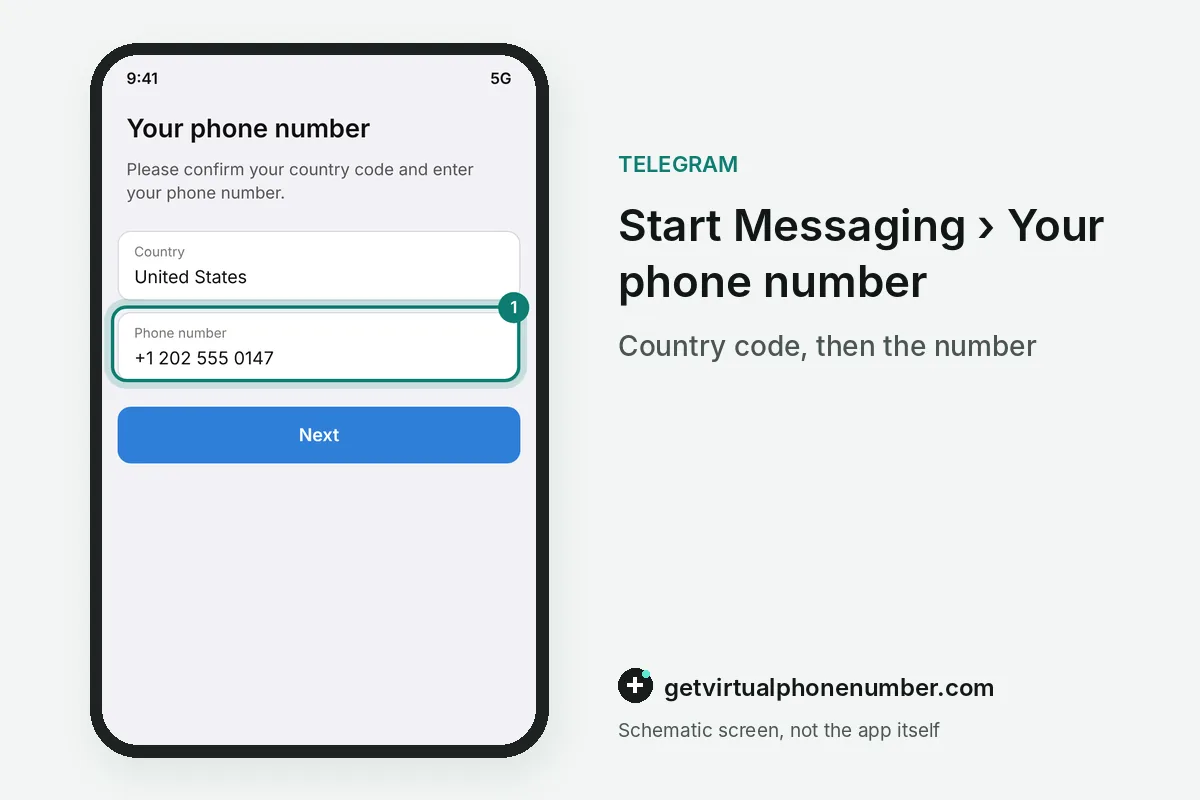
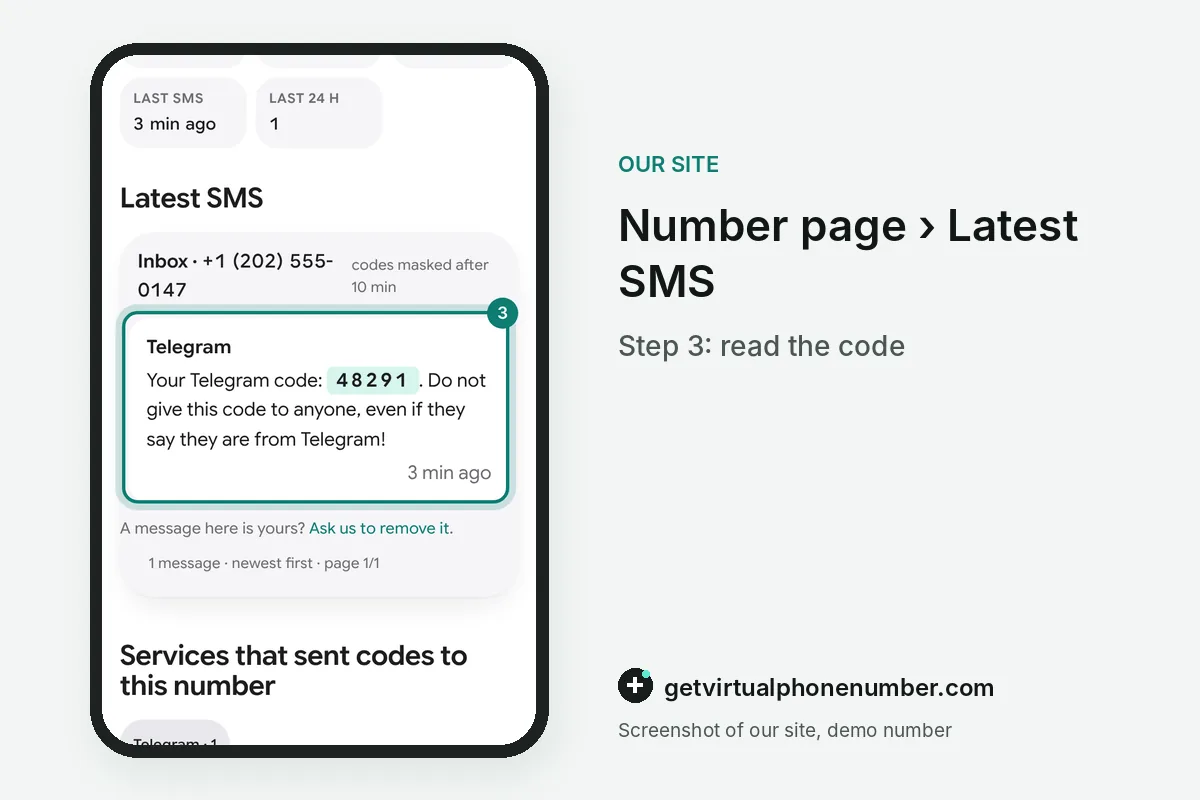
To sign up after you open Telegram, tap Start Messaging, pick your country and type the phone number. Telegram then sends a 5-digit code. The code arrives by SMS or inside Telegram on another device you already use, and typing it on the next screen creates the new account at once.
Wait for the countdown before you ask for a new code, because repeated requests trigger a pause. Missing codes are covered in Telegram code not received.
How do you set your Telegram name, photo and username?
A first name is the only required profile field in a new Telegram account. Photo, last name and bio are optional. You can add or change all of them later in Settings, and contacts who saved your number see the name from their own phone book first.
A Telegram username is optional and public, so strangers can find you without your number. Usernames use the letters a to z, digits and underscores, and they need at least 5 characters. For example, alex_2026 works as a username, while alex is too short at 4 characters.
Should a new Telegram account sync your contacts?
A new Telegram account asks for your address book to show which friends already use Telegram, and you may allow or skip that request. Usernames work either way. Skipping the sync keeps your contacts on the phone, while allowing it uploads them to Telegram so new contacts appear automatically.
Contact sync can be switched off later in Settings, Privacy and Security, Data Settings, where Telegram also deletes synced contacts from its servers. People who have your number still see you join.
How do you log in to Telegram Desktop with a QR code?
To log in to Telegram Desktop with a QR code, open the desktop app and scan its code from your phone. The scanner sits in Settings, Devices. Telegram Web on telegram.org works the same way, and the computer opens your cloud chats without any SMS or extra code.
Cloud chats sync to every signed-in device at once, while Secret Chats stay on the device where they started. Telegram allows several devices on one account at the same time.
Why does a new Telegram account hide its phone number?
A new Telegram account shows its phone number only to people who saved it as a contact, according to Telegram's FAQ. Privacy and Security changes that. The Phone Number screen also decides who can find the new account by its number, with Everybody or My Contacts as the two choices.
Group members and strangers in public chats see your name and username without the number, so a Telegram account created for a community can stay fairly private. Hide the photo there as well.
Does a Telegram account cost money?
Creating a Telegram account costs nothing, and the basic account never expires while you keep using it. Telegram Premium is optional. The paid subscription raises limits and adds extra features, and the free version keeps chats, groups, channels and calls without any payment.
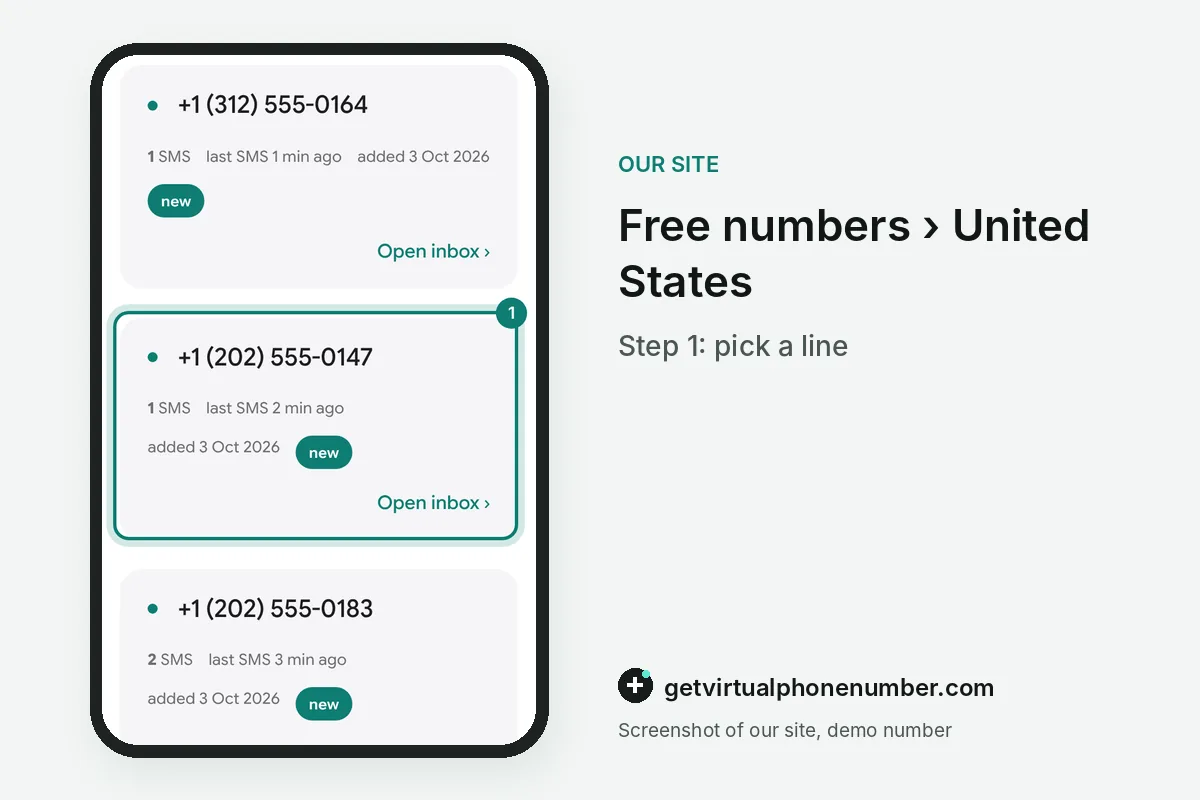
Turn on two-step verification right after sign-up, because a cloud password protects the new account from stolen codes. Throwaway tests can run on our free Telegram numbers.
Telegram account sign-up steps
- Install the appGet Telegram from telegram.org, the App Store or Google Play.
- Tap Start MessagingChoose the country code and type the number.
- Type the 5-digit codeRead it in the SMS or in Telegram on another device.
- Add your nameFirst name is required, photo and last name are optional.
- Secure the accountSet a cloud password in Privacy and Security.
 Algeria
 Netherlands
 Moldova
 Sweden
 Canada
 United States
 United Kingdom