Netflix · Create an account · Updated 3 October 2026
How to Create a Netflix Account Step by Step
To create a Netflix account, visit the Netflix sign-up page in a web browser, choose a plan, add an email, a password and a payment method, then start. Netflix bills once a month. A phone number is optional at sign-up and can be added later for recovery.
How do you create a Netflix account on a computer?
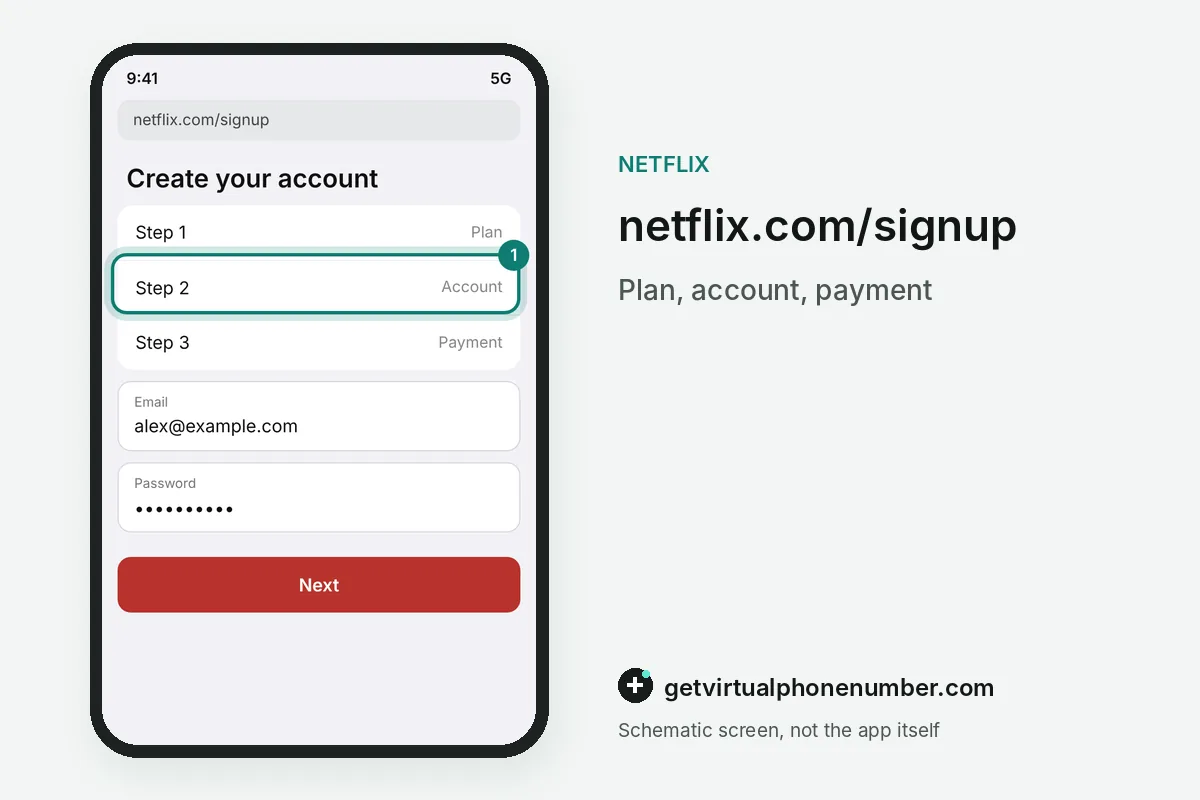
To create a Netflix account on a computer, go to the Netflix sign-up page at netflix.com/signup on your phone or computer. The page asks for an email first. Netflix keeps the steps short, and a new member can finish the whole sign-up in a few minutes from any modern browser.
Type your email address and click Get Started. Create a password for your new account on the next screen.
Choose a subscription plan that fits your budget and video quality needs, then enter a preferred payment method such as a credit or debit card. Click Start Paid Membership to finish and begin watching.
How is a new Netflix account billed?
A new Netflix account is billed once a month on the date you signed up, and you can change the plan or cancel online at any time. Plans differ by country. The sign-up page lists the plans and prices for your region before you enter any payment details.
For example, an account created on 3 October 2026 renews on 3 November 2026. A plan change later moves the price for the next billing date of the Netflix account.
Can you create a Netflix account on an iPhone?
You can create a Netflix account on an iPhone only in a mobile browser, because sign-up is not supported in the Netflix iOS app. Safari works fine. Open netflix.com/signup, finish the plan, account and payment steps, then sign in to the app with the new email and password.
Android users can begin in the app, which hands the payment step to the browser. The Samsung Galaxy Store version of the Netflix app is the exception and keeps the whole sign-up inside the app.
How do you create a Netflix account on a TV?
To create a Netflix account on a TV, open the Netflix app and start with an email address or a phone number on the sign-up screen. A link follows. Netflix sends an activation link by email or text message, and you finish the account and payment steps on your phone.
A sign-up started on a TV with a phone number continues from a text that arrives within minutes. Keep that phone at hand while you create the Netflix account on the TV.
Do you need a phone number to create a Netflix account?
You do not need a phone number to create a Netflix account on a computer or phone, because the email address and password carry the sign-up. TVs accept either one. Netflix still recommends adding a phone number later, since a verified number lets you reset a forgotten password by text.
Add it at netflix.com/phonenumber after you create the Netflix account, as change your phone number on Netflix shows. One verified number fits one account.
What can go wrong when you create a Netflix account?
Creating a Netflix account fails most often when the email address already belongs to another account or the payment method is declined. Read the message on screen. An existing account means signing in or resetting the password, and a declined card means another card or a gift card.
Sign-up links and codes expire after 15 minutes, so a late email requires a new link. Our free numbers for Netflix show texts to every visitor, so they never belong on a paid account, and Netflix sign-in code explains the codes you will receive.
Steps to create a Netflix account
- Open netflix.com/signupUse a browser on a computer or phone.
- Enter your emailType the address and click Get Started, then create a password.
- Choose a planCompare the plans listed for your country.
- Add payment and startEnter a card or gift card and click Start Paid Membership.
 Algeria
 Netherlands
 Moldova
 Sweden
 Canada
 United States
 United Kingdom