Netflix · Sign-in code · Checked on 3 October 2026
Netflix Sign-In Code: How to Use It on a Phone and a TV
A Netflix sign-in code is a one-time 4-digit code that Netflix sends by email or text message when you sign in. The code expires after 15 minutes. TVs work with a separate code that appears on the screen and gets confirmed from a phone or computer already signed in to the account.
What is a Netflix sign-in code?
A Netflix sign-in code is a short one-time password that proves you can read the inbox or the phone number saved on the account. Netflix sends one on every sign-in. The code arrives even when you pick a password, according to the Netflix help page that explains how signing in works today.
For example, a code requested at 20:00 stops working at 20:15, so a code found later in a spam folder is useless. Request a fresh Netflix sign-in code when that happens.
Sign-in codes spare you from typing a long password with a TV remote or a game controller, a slow task on any on-screen keyboard. Netflix pairs the TV with a phone for that reason. The phone already holds a signed-in session, so the television inherits access without a password.
How do you sign in to Netflix with a code on a phone or computer?
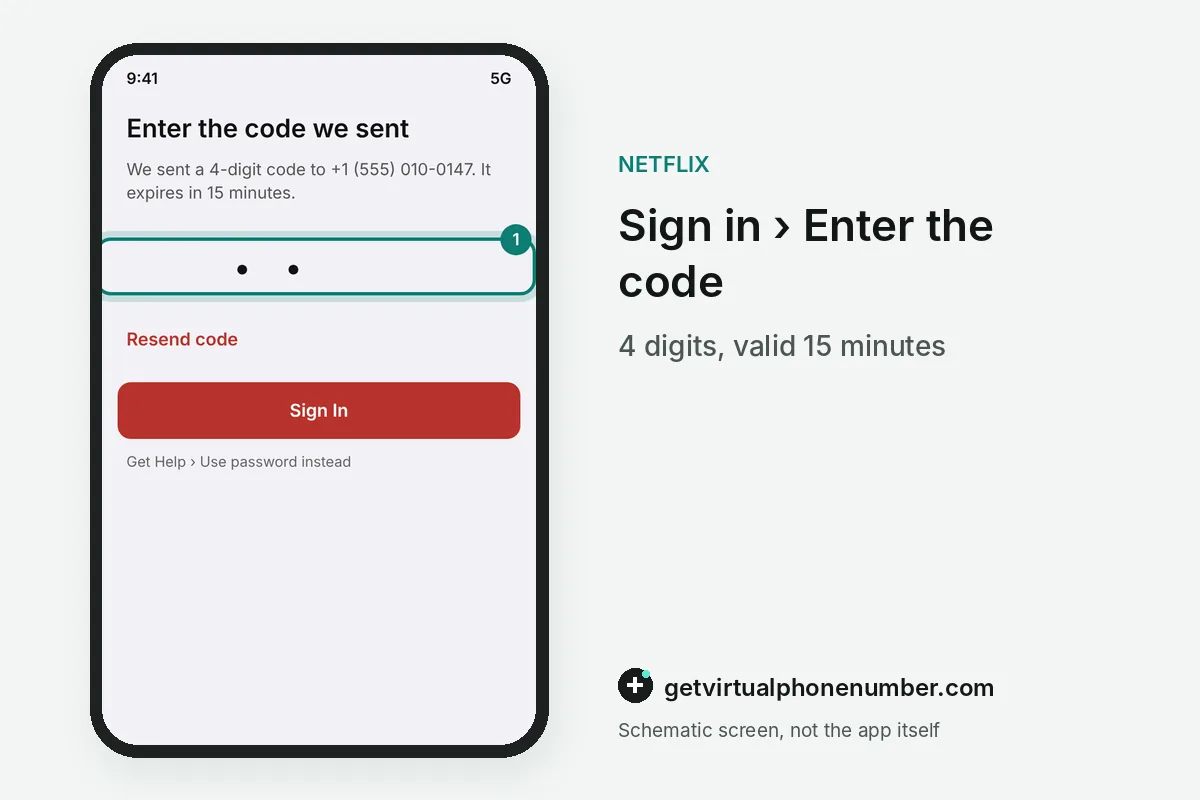
To sign in to Netflix with a code on a phone or computer, enter your email address or phone number and select Continue. A 4-digit code follows. Type it on the next screen, and the app opens your profiles without asking for the account password at any point.
Codes go to the inbox or phone saved on the account, so a typo in the address sends the Netflix sign-in code nowhere. Check the email or number shown on screen before you press Resend code.
How does a Netflix TV sign-in with a QR code work?
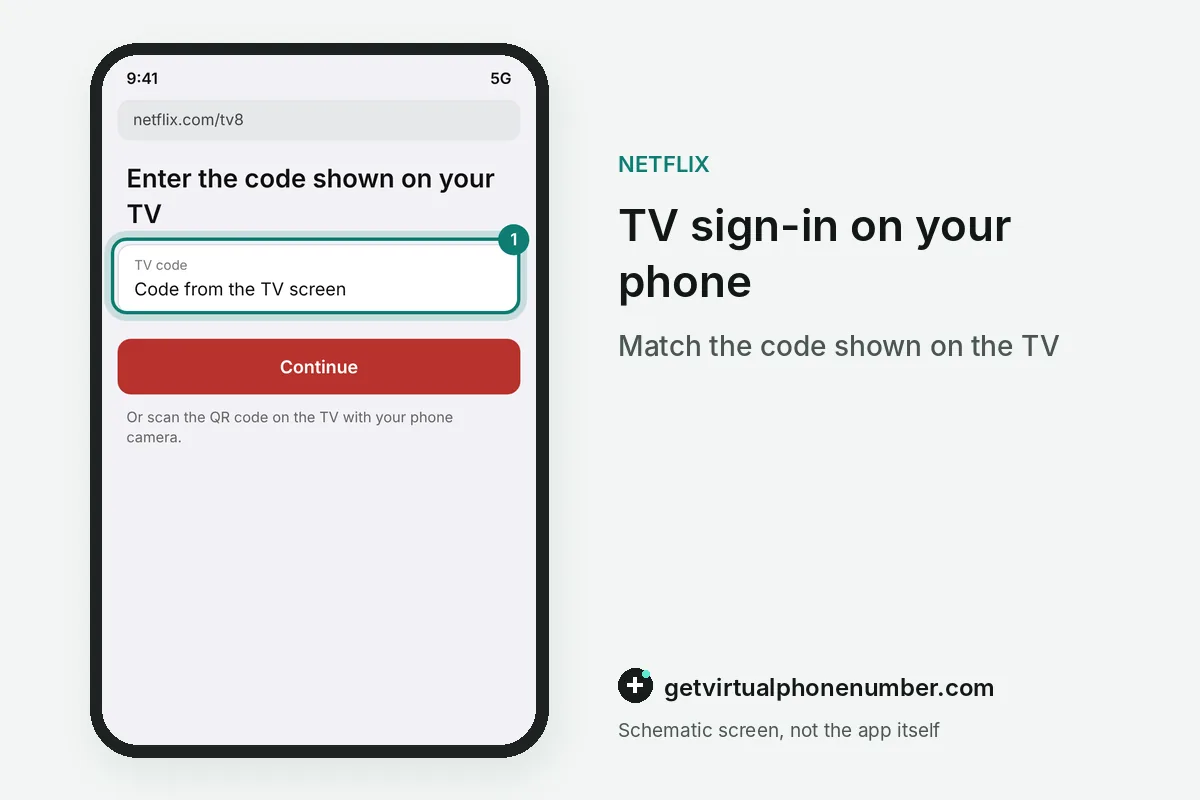
A Netflix TV sign-in works with a code and a QR code that the TV shows after you open the Netflix app on the TV and select Sign In. Your phone does the rest. To enter a TV sign-in code, go to Netflix TV Sign-in on your phone or computer.
Note the activation code or QR code shown on your TV screen. Visit Netflix TV Sign-in or scan the QR code with your phone camera, then enter the code shown on the TV to finish linking your account.
Why did I get a Netflix sign-in code I didn't ask for?
A Netflix sign-in code you did not ask for means someone typed your email address or phone number on a sign-in screen. Often it is a typo. Ignore the code, never forward it, and change the password if codes keep arriving, because a person who also knows the password could finish the sign-in.
Netflix also emails you about every new sign-in from a new device, with a location based on the IP address. An unknown sign-in alert together with a code is a reason to open Netflix account hacked.
Can you choose Use password instead of a Netflix sign-in code?
You can choose Use password instead of a Netflix sign-in code by selecting Get Help on the code screen. The option has one condition. Password sign-in works only with the account owner's email address or phone number, so emails added to other profiles always need a code.
Netflix checks a new profile email with a 6-digit code before that profile can sign in, a different format from the 4-digit code. Apple TV owners get their own address, netflix.com/atv, on the same help page. A forgotten password is reset in Netflix password reset.
What if the Netflix sign-in code does not work?
An Incorrect code message means the Netflix sign-in code expired or a newer code replaced it, so always type the most recent one. Too many tries trigger a pause. Wait a few minutes before you ask for another code, or switch to the password option while the limit resets.
Codes and temporary links for a Netflix sign-in expire after 15 minutes. If your code expired, request a new code on your TV screen and use the latest one. Check your spam folder if you requested a code via email or text.
Codes that never arrive at all are a delivery problem, covered in Netflix code not received. Our free numbers for Netflix show texts publicly, so keep your real account on your own number.
Steps to sign in to Netflix with a code
- Enter email or phoneType the email address or phone number saved on the account and select Continue.
- Open the newest codeRead the 4-digit code in the email or text message.
- Type it within 15 minutesEnter the code on the sign-in screen before it expires.
- On a TV, scan the QR codeOr type the TV code at netflix.com/tv8 on a signed-in device.
 Algeria
 Netherlands
 Moldova
 Sweden
 Canada
 United States
 United Kingdom