Netflix · Household and travel codes · Facts verified 3 October 2026
Netflix Household: How It Works and How to Update It
A Netflix Household is the group of devices connected to the internet at the main place where you watch Netflix, and Netflix sets it from the connection your TV uses. Accounts without a TV need no household at all. A TV elsewhere asks for a temporary access code or a household update.
How does the Netflix Household work?
The Netflix Household works by grouping every device that signs in on the same internet connection as your TV. Netflix sets it automatically. Your main internet connection, IP address and device IDs linked to the TV decide the household, and the help center says Netflix collects no GPS data for it.
Accounts are meant for people who live together in the same home. You can use mobile devices or watch while traveling, while TVs outside your home network may require temporary verification through the Netflix Household rules.
Why does Netflix say your device isn't part of the Netflix Household?
Netflix says your device isn't part of the Netflix Household when the TV or device connects through a different internet connection than the main home network. A second Wi-Fi can trigger it. Separate routers, a mesh network on another provider account or a new IP address after a router swap often cause the message.
Open the Netflix app on the home Wi-Fi at least once a month, which Netflix asks travelling devices to do. Some guides quote 31 days for the same rule, and the Netflix help page says once a month.
How does the Netflix temporary access code work?
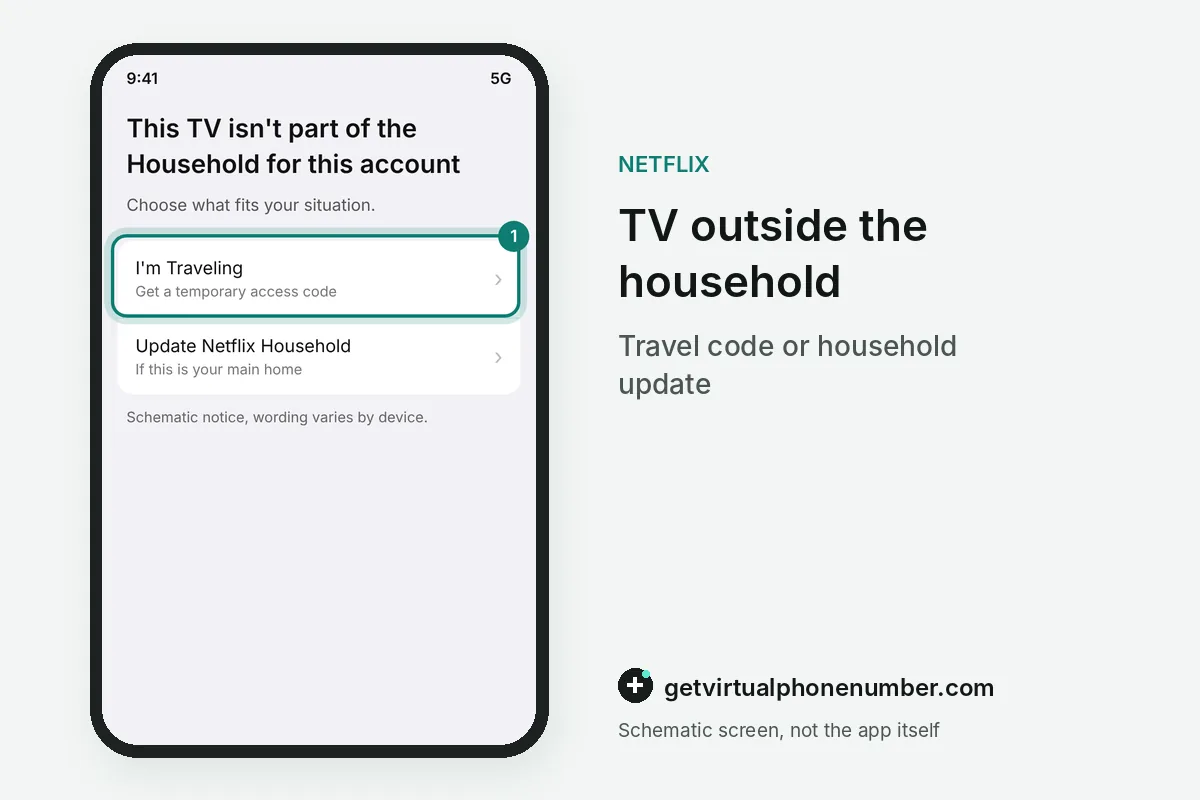
The Netflix temporary access code is a 4-digit code that lets a device outside the household watch for a while. Each code expires after 15 minutes. On a TV you select I'm Traveling, and on a phone or computer you select Watch Temporarily, then choose to send the email.
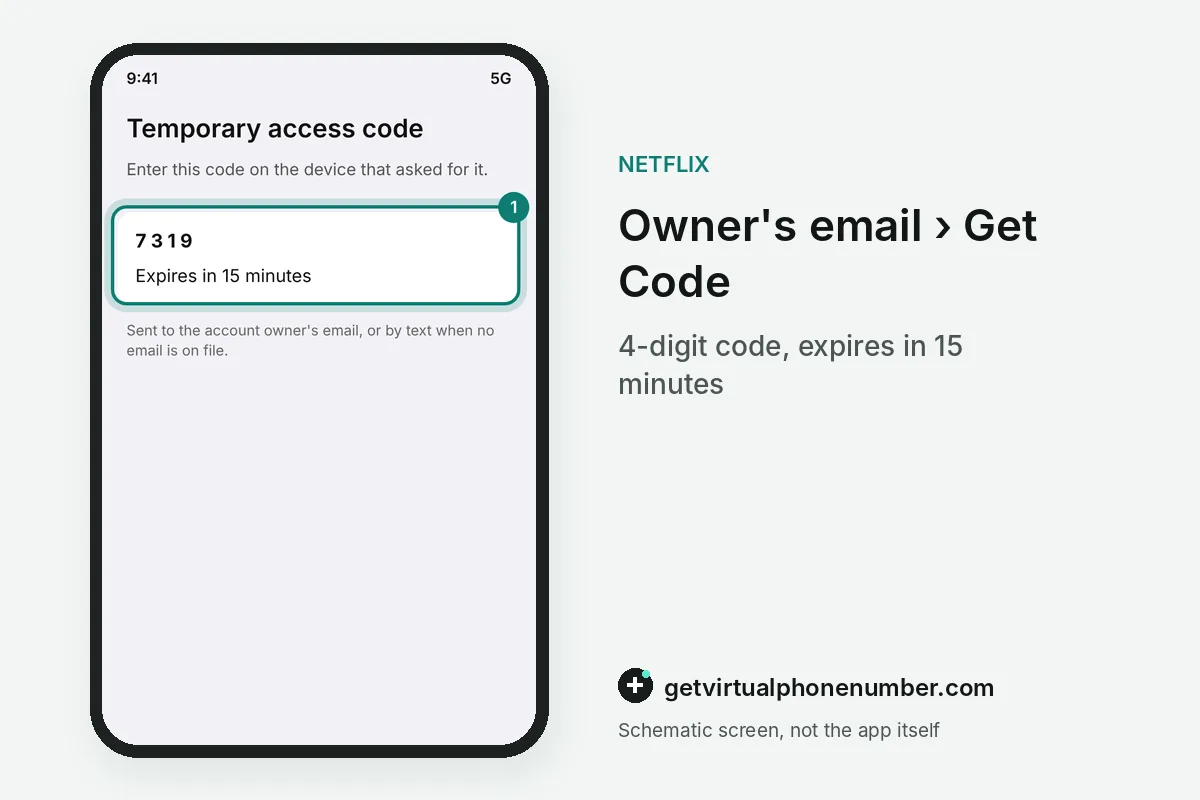
The account owner receives a link, selects Get Code and reads the 4-digit temporary access code on the page that opens. Accounts without an email on file can choose Send Text, so the Netflix Household code reaches the owner's phone number instead.
How do you update the Netflix Household from a TV?
To update the Netflix Household, open the Netflix app on your TV and press back on the remote to reach the menu. Then go to Get Help or Settings. Choose Manage Netflix Household, select Update Netflix Household and choose to send a verification link via email or text.
Open the message on your phone or computer within 15 minutes and tap Yes, This Was Me to confirm. Select Confirm Update, and the TV refreshes on its own, which Netflix says takes about 8 minutes in total.
Can you use Netflix at two different houses?
You can use Netflix at two different houses on travelling devices, while a TV in the second house falls outside the Netflix Household. Netflix's rules are explicit. The account may not be shared outside the household, so a person who lives elsewhere needs an own account or an extra member slot.
If someone lives outside the Netflix Household, Standard and Premium plan holders can add them as an extra member for an additional monthly fee. Extra members must be in the country where the owner signed up, and the owner can swap them up to 2 times per calendar month.
What if you can't get a Netflix temporary access code?
Netflix limits how many temporary access codes one device can request, and the limit shows the message You can't request any more codes today. Wait until the next day. Codes that never arrive usually sit in spam, or they went to an owner's email address that nobody checks anymore.
For example, a member at a holiday flat who asks 3 times in a row may hit the daily limit before a code arrives. A Netflix Household code goes to the account owner only, and our free numbers for Netflix never receive it. Missing codes are covered in Netflix code not received.
Steps to Update Netflix Household
- Open Manage Netflix HouseholdOn the TV, open Settings or Get Help from the menu.
- Select Update Netflix HouseholdChoose to send the verification link by email or text.
- Open the link within 15 minutesUse a phone or computer and select Yes, This Was Me.
- Confirm the updateSelect Confirm Update and wait for the TV to refresh.
 Algeria
 Netherlands
 Moldova
 Sweden
 Canada
 United States
 United Kingdom