Netflix · Sign out on TV · Checked on 3 October 2026
How to Sign Out of Netflix on a TV
To sign out of Netflix on a TV, open the Netflix app, press Back on the remote and select Get Help or Settings, then Sign Out. Older TVs hide the option behind a 12-press arrow code. Your phone can also sign the TV out remotely from Manage access and devices.
How do you sign out of Netflix on a smart TV?
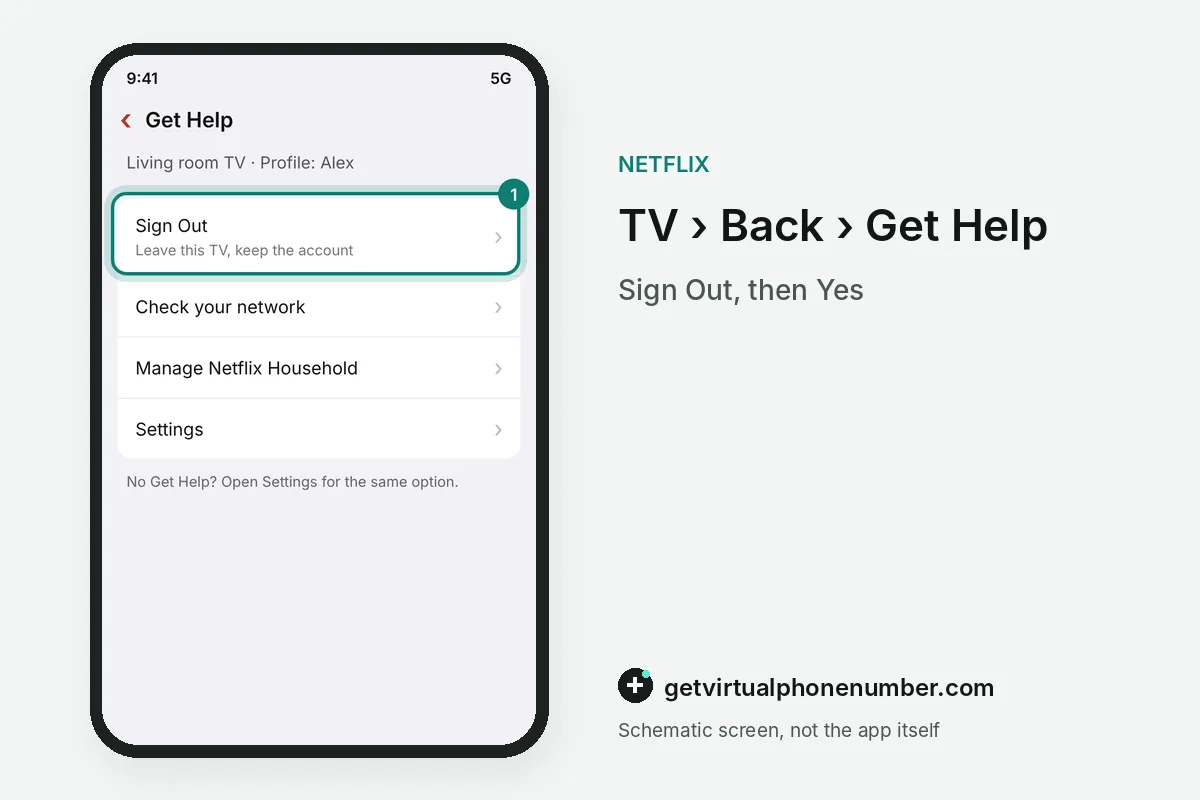
To sign out of Netflix on a smart TV, open the Netflix app and press the Back button on your remote until the menu appears. Select Get Help, then Sign Out, and confirm with Yes. Some models list Settings in place of Get Help.
The TV returns to the Netflix sign-in screen after you confirm. Profiles, viewing history and My List stay on the account. For example, a home with 3 TVs that signs out of one keeps the other 2 streaming.
What is the Netflix remote code to sign out of a TV?
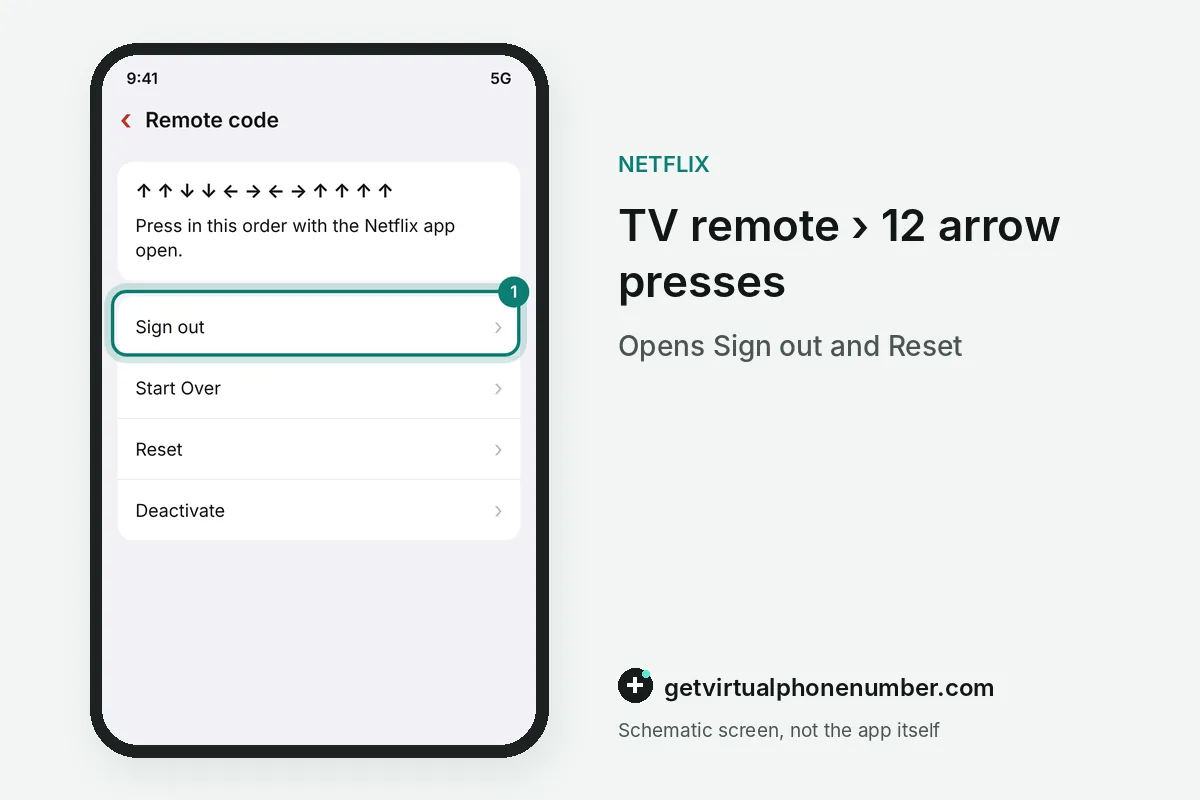
The Netflix remote code to sign out of a TV is Up, Up, Down, Down, Left, Right, Left, Right, Up, Up, Up, Up. Netflix gives it for TVs where Get Help and Settings show no Sign Out.
Press the 12 arrows while the Netflix app is open. A menu then offers Sign out, Start Over, Reset or Deactivate. Pick Sign out.
How do you sign out of Netflix on Roku?
To sign out of Netflix on Roku, press Back on the remote from the Netflix home screen and select the gear icon. Choose Sign out, then select Yes.
Netflix documents these steps for TCL Roku TVs in its help center. A Roku screen without the gear icon accepts the same 12-press arrow code from the section above.
Where is Sign Out on each kind of TV device?
Sign Out on each kind of TV device lives in the Netflix app menu, and only the first button differs between models. The table sums up the routes covered here.
Fire TV, Apple TV and game consoles open the same Get Help or Settings menu inside the Netflix app. When nothing works on the screen itself, the phone route at the bottom of the table always does.
| Device | First step | Then | If Sign Out is missing |
|---|---|---|---|
| Smart TV: Samsung, LG, Sony, TCL | Back on the remote | Get Help or Settings, Sign Out | 12-press arrow code |
| Roku TV or Roku stick | Back on the remote | Gear icon, Sign out, Yes | 12-press arrow code |
| Fire TV, Apple TV, PlayStation, Xbox | Netflix app menu | Get Help or Settings, Sign Out | Sign out from a phone |
| Any TV, far away | Manage access and devices | Down arrow, Sign Out | Sign out of all devices |
How do you sign out of Netflix on a TV remotely from your phone?
To sign out of Netflix on a TV remotely, open Manage access and devices in the Netflix app or on netflix.com and find the TV in the list. Select the down arrow next to it and choose Sign Out.
Netflix lists each TV and phone with its device type, the profile that used it and the time of the last viewing. New devices can take up to 48 hours to appear, and devices idle for 90 days may be missing.
A TV not showing in Manage access and devices still leaves the account with Sign out of all devices at the bottom of the page. Every other screen then signs in again. Warn the family first.
How do you log Netflix out of a hotel or rental TV?
To log Netflix out of a hotel TV, sign out on the TV before checkout or later from Manage access and devices on your phone. Until then the next guest can open your profiles.
Change the password after the stay if you typed it on a shared screen. On netflix.com/password, tick Sign out of all devices so every old session ends together with the new password.
How do you remove someone else's Netflix from your TV?
To remove someone else's Netflix from your TV, sign out with Get Help, Settings or the remote code, then sign in with your own account. The owner of that account can also sign your TV out from their phone.
A TV signed in to a relative's plan may show the household block described in Your device isn't part of the Netflix Household. Signing in with your own plan clears it.
Why can't you find the Sign Out button in Netflix on your TV?
You can't find the Sign Out button in Netflix on some TVs because the menu sits under Settings or stays hidden on older models. Try Settings first, then the 12-press arrow code.
A frozen Netflix app needs a restart: switch the TV off, unplug it for one minute and open Netflix again. If the menu still shows no Sign Out, sign the TV out from Manage access and devices.
How do you sign back in to Netflix on a TV?
To sign back in to Netflix on a TV, choose Sign In and scan the QR code with your phone. A browser that is already signed in can also take the TV code at netflix.com/tv8.
Text and email codes are explained in the Netflix sign-in code guide. Our free numbers for Netflix stay test lines, because anyone can read their inbox.
Steps to sign out of Netflix on a TV
- Open the Netflix appPress Back on the remote to reach the menu.
- Select Get Help or SettingsSome TVs show only one of the two.
- Choose Sign OutConfirm with Yes.
- Use the arrow code if neededUp, Up, Down, Down, Left, Right, Left, Right, Up, Up, Up, Up.
 Slovenia
 United Kingdom