Netflix · Cancel account · Reviewed 3 October 2026
How to Cancel a Netflix Account
To cancel a Netflix account, open Manage your membership on the Account page, select Cancel, then Finish Cancellation. Netflix emails a confirmation. You keep watching until the end of the billing period, and the account then closes on its own.
How do you cancel a Netflix account on the website?
To cancel a Netflix account on the website, sign in on netflix.com, open Account and select Manage your membership in the Membership section near the top. Select Cancel, then Finish Cancellation. Nothing else is required.
Netflix sends a confirmation email to the address on the account, which is worth keeping until the billing date passes. The direct link netflix.com/cancelplan opens the same membership page once you are signed in on that browser.
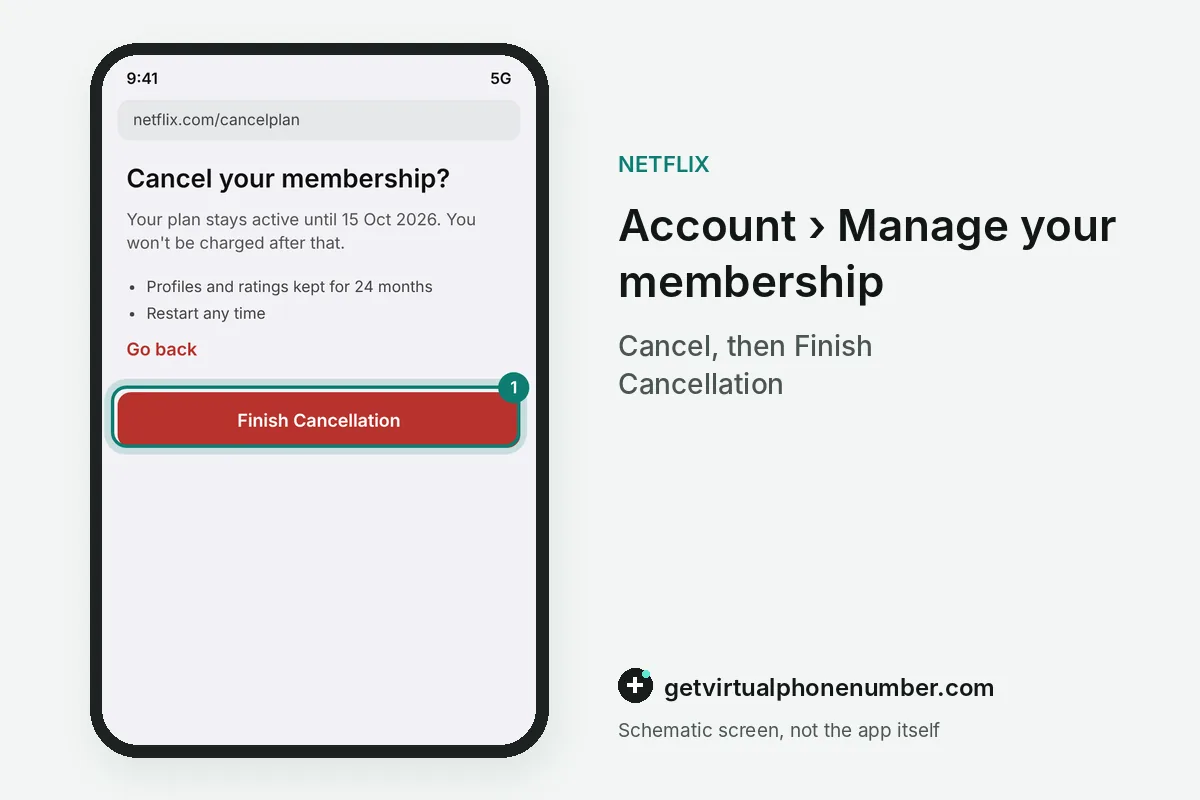
How do you cancel Netflix in the app or through Apple and Google?
To cancel Netflix in the mobile app, tap My Netflix, open the menu with three lines and tap Account. The membership settings there offer the same Cancel and Finish Cancellation buttons.
Netflix billed through Apple, Google Play, a cable provider such as Comcast or a mobile carrier such as T-Mobile is cancelled with that partner in its own subscription settings. The Membership section of the Account page shows a link or instructions for that partner.
When does a Netflix cancellation take effect?
A Netflix cancellation takes effect at the end of the current billing period, so you keep watching until that date. Netflix makes no further charges unless someone restarts the account.
An account on hold closes at once. Netflix's terms of use say payments are nonrefundable, with no refunds or credits for partly used periods. For example, a plan billed on the 15th and cancelled on the 3rd stays active until the 15th.
| Billing date | Cancelled on | Access ends | Refund |
|---|---|---|---|
| 15 October | 3 October | 15 October | None |
| 1 November | 30 October | 1 November | None |
| Account on hold | Any day | Same day | None |
| Billed by Apple or Google | Any day | Partner's renewal date | Partner's rules |
What happens to your Netflix data after you cancel?
After you cancel, Netflix keeps your viewing activity, recommendations, ratings, account details and game saves for 24 months. Restart within that window and the profiles come back as they were.
Deletion erases the data sooner, and the delete Netflix account guide walks through that request. A deleted account is gone for good, while a cancelled one can be restarted.
How do you restart Netflix after cancelling?
To restart Netflix after cancelling, sign in on netflix.com with the same email or phone number and pick a plan. Billing starts again from that day.
Profiles, ratings and game saves return if the restart happens within 24 months of the cancellation. After that window a new sign-up starts from an empty account. Payment details may need re-entering.
| Choice | Billing | Access | Your profiles |
|---|---|---|---|
| Cancel | Stops at the period end | Until the paid date | Kept 24 months |
| Pause | Free for up to 3 months | None during the pause | Kept |
| Restart | Starts on the restart day | At once | Back if within 24 months |
| Delete | Stops at the period end | Until the paid date | Erased for good |
| Partner billing | Set by Apple, Google or the carrier | Until the partner's date | Kept 24 months |
What happens to Netflix games and downloads when you cancel?
Netflix keeps gameplay history and game saves for 24 months after you cancel, the same window that applies to profiles, ratings and recommendations. The help page notes limits for games without cloud saves.
After you cancel the Netflix account, downloads stop playing on phones and tablets, because they need an active plan. Mobile games from the App Store or Google Play stay installed but ask for a membership on launch.
Can you pause Netflix instead of cancelling?
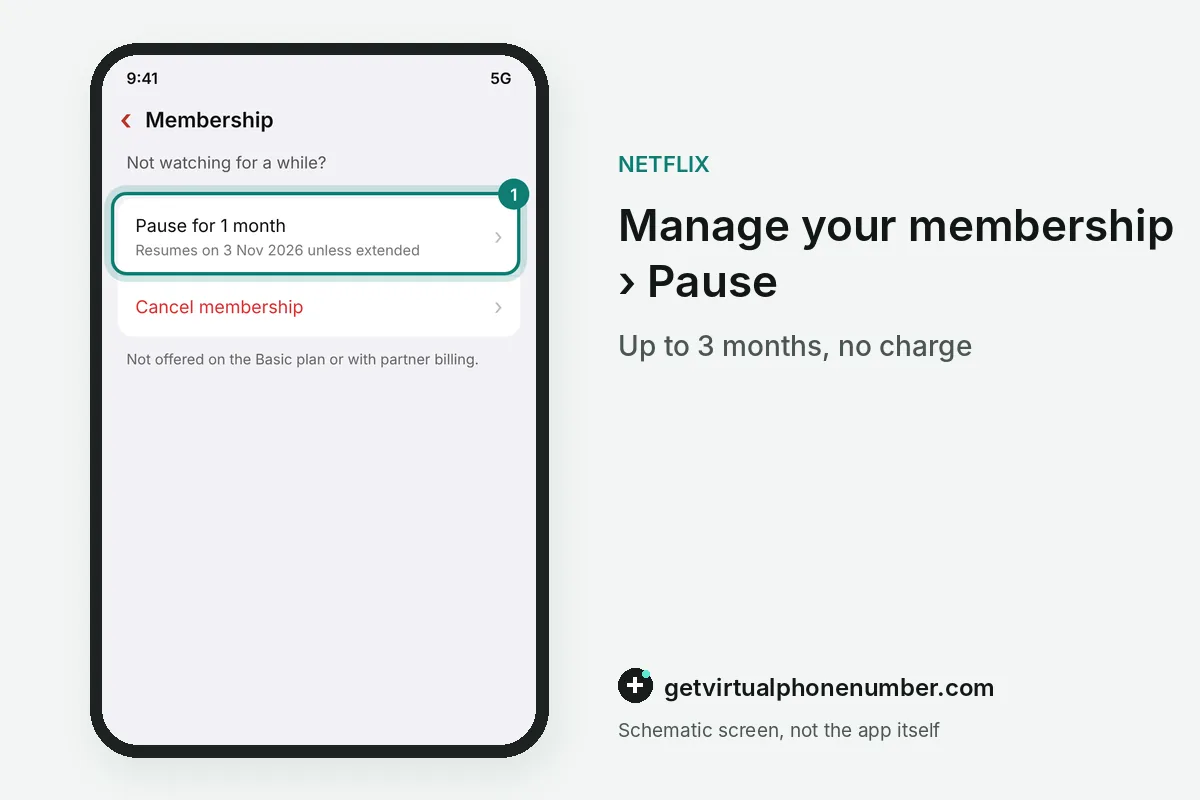
You can pause Netflix for up to 3 months in total, with no charges during the pause. The membership resumes after 1 month unless you extend it.
Pausing is unavailable on the Basic plan and with Direct Debit, gift cards or billing through a phone carrier or TV provider. Members on those plans cancel now and restart later.
Why is Netflix still charging you after you cancelled?
Netflix still charges you after you cancelled when someone restarted the account, for example by signing in and choosing a plan. Open netflix.com/cancelplan and select Finish Cancellation again.
Then change the password at netflix.com/password and tick Sign out of all devices, so the other person cannot restart the plan. Charges you never recognised point to a break-in, covered in Netflix account hacked.
Is there a Netflix phone number to cancel?
Netflix's help page on cancelling lists no phone option; the steps run through the Account page or the payment partner. Support agents reached from the Netflix app help when the Cancel button is missing.
Real Netflix contact routes, and the fake numbers to avoid, are listed in Netflix customer service number. A restart later needs the email or phone number on the account, so keep it current; test accounts can use our free numbers for Netflix.
Steps to cancel a Netflix account
- Open AccountSign in on netflix.com or tap Account in the app.
- Select Manage your membershipIt sits in the Membership section.
- Select CancelThen select Finish Cancellation.
- Check the emailNetflix confirms the cancellation by email.
 Slovenia
 United Kingdom