Amazon · Second account · Facts verified 3 October 2026
Amazon login to another account: switching and second accounts
Amazon login to another account works through Switch Accounts, a list in the Account and Lists menu and in the Amazon Shopping app that moves between accounts without signing out. Each account still needs its own email address and its own mobile number. Shared devices are the one place the help pages advise against using it.
How do you log in to another Amazon account in a browser?
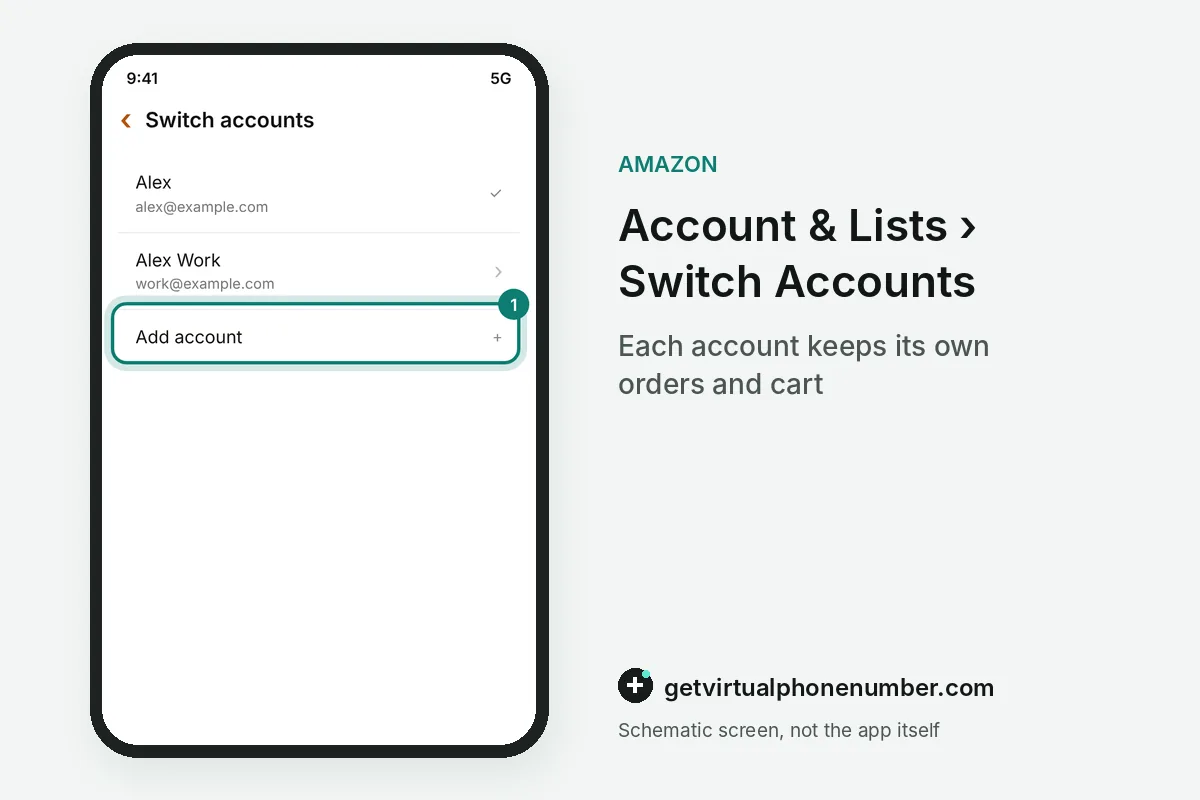
You log in to another Amazon account in a browser from the Account and Lists menu, under Switch Accounts. Select Add account, enter that account's credentials and follow the prompts on the screen. From then on, the Switch Accounts page lists both, and one click moves you between them.
The feature saves the sign-out and sign-in loop each time. The help page warns against turning it on for shared computers, since anyone at that keyboard could open every account in the list. On a family laptop, signing out from Account and Lists is the safer habit.
How do you switch accounts in the shopping app?
In the shopping app, open Menu, go to Settings and select Switch Accounts to add, remove or move between accounts. Every account added there inherits the app permissions, such as camera roll access, and preferences like language. Changing an app setting on one account changes it for all of them.
Signing out in the Amazon Shopping app affects only that phone, and accounts you do not want there can be removed under Settings, then Switch Accounts. Never add accounts to a phone that strangers use, since anyone holding it gets into all of them.
What does the same-email error at sign-in mean?
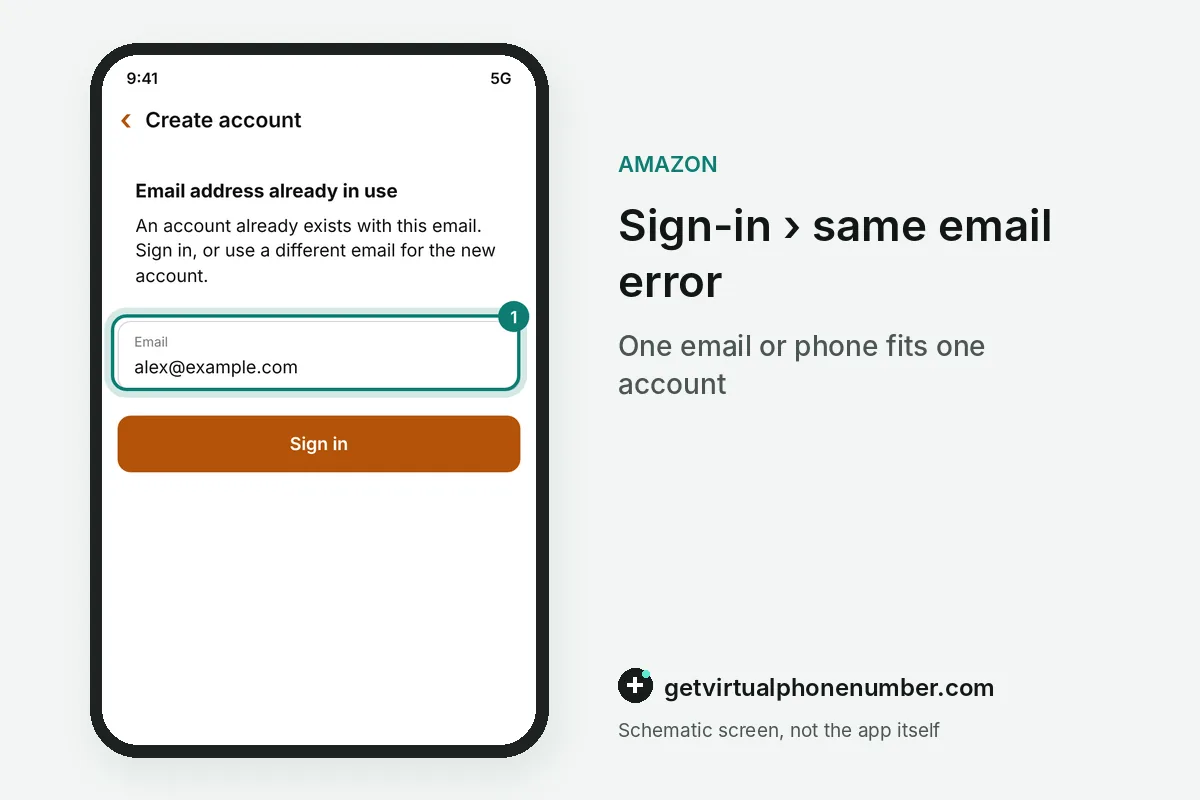
The same-email error means one address is attached to two logins, and the store allows an address on only one. It can point to an old login you opened after a lockout, or to a stranger who now owns your former address. The help page says the warning alone does not signal a breach.
To retire the extra login, sign in to your main one first, then give the extra one a fresh address, sign in to it and ask for closure. To keep both, give the extra login its own address. A third option swaps which login counts as the main one, and the old main login stays open.
Can two Amazon accounts share one phone number?
No, two Amazon accounts cannot share one phone number, because each mobile number links to a single account. A household with two accounts needs two numbers, one per login, even if both people live at the same address and order to the same door. The same holds for email.
A second account for a side business or a hobby therefore needs a second number. Use another phone you own or a private number (coming soon) that receives codes only for you, since the account will need it again for resets. Our public numbers suit only a short test account, as the Amazon numbers page explains.
For example, a couple with 2 Amazon accounts needs 2 email addresses and 2 mobile numbers, even with one delivery door. A side business that wants its own login adds a third email and a third number.
How do personal and Amazon Business accounts connect?
Personal and Amazon Business accounts connect through account linking, which keeps both accounts separate while making the switch quicker. Addresses, payment methods, orders and subscriptions stay apart. Nothing merges. After linking, the other account waits in an account picker, and you enter its password to move over.
Linking also brings notices about the other account's status and cross-store recommendations. A one-person business with Prime may qualify for the free Prime Business Duo plan after linking. You can unlink at any time from the Account Linking page.
Mistakes to avoid with a second Amazon account
Reusing the first account's email or phone for the second one is the classic mistake, and the store refuses both. Pick the contacts before you start. Selling accounts fall under Seller Central's own policies, so check those before opening another.
Mixing purchases is the other trap, since an order placed from the wrong account stays in that account's history and on its card. Check which account is active on the Switch Accounts page before you pay. The two-step verification guide applies to each account separately, too.
Add another account with Switch Accounts
- Open Account and ListsHover over Account and Lists at the top of the Amazon website.
- Select Switch AccountsChoose it.
- Add the accountSelect Add account and enter the email or phone and password of the other account.
- Switch between themPick the account you want on the Switch Accounts page whenever you need it.
- Switch backReturn to the first account from the same Switch Accounts page when you are done, so orders, carts and lists stay with the right account.
Sources
- Use Switch Accounts - Amazon Customer Service
- Manage Your Amazon Accounts on Mobile Devices - Amazon Customer Service
- Manage a 'Multiple accounts use the same email' Error - Amazon Customer Service
- Amazon account linking - Amazon Customer Service
- Update your phone number - Amazon Customer Service
- Request the Closure of Your Account and the Deletion of Your Personal Information - Amazon Customer Service
 Canada
 United States
 Netherlands
 Sweden
 Algeria
 Philippines
 Sri Lanka
 Slovenia
 United Kingdom