Amazon · Hacked account · Updated 3 October 2026
Amazon account hacked: what to do and how to spot the scam
An Amazon account hacked by someone else shows up as security alerts you did not trigger, passcodes you never requested or orders you never placed. The fix starts with denying the alert or resetting the password, then checking your email account and orders. Fake calls and texts that pose as the store are one route in, so the scam side matters as much as the reset.
What are the signs that an Amazon account was hacked?
The clearest signs that an Amazon account was hacked are alerts and codes you did not cause. Security Alerts flag important changes or new activity, and a one-time passcode or sign-in notice you never asked for means someone else may know the password. Unknown orders count too.
A hacked account can also end in a hold notice. The store places a temporary hold when it sees unusual payment activity, and during the hold every service pauses, from Prime and Kindle to Alexa and Ring. The notice arrives by email or text with steps for pending orders.
How does an Amazon account get hacked?
An Amazon account gets hacked when someone learns the password or tricks the owner into sharing a code. A password reused on another site leaks with that site, so the help page asks for a strong, unique password on every account. Callers posing as support then try to pull out the passcode itself.
SIM swap fraud, where a criminal moves your number to their own SIM, can put the texted codes of an Amazon account in the wrong hands. Phishing links in fake messages are the other common door. Both tricks work against any service that texts codes or emails links.
How does a Security Alert help you take the account back?
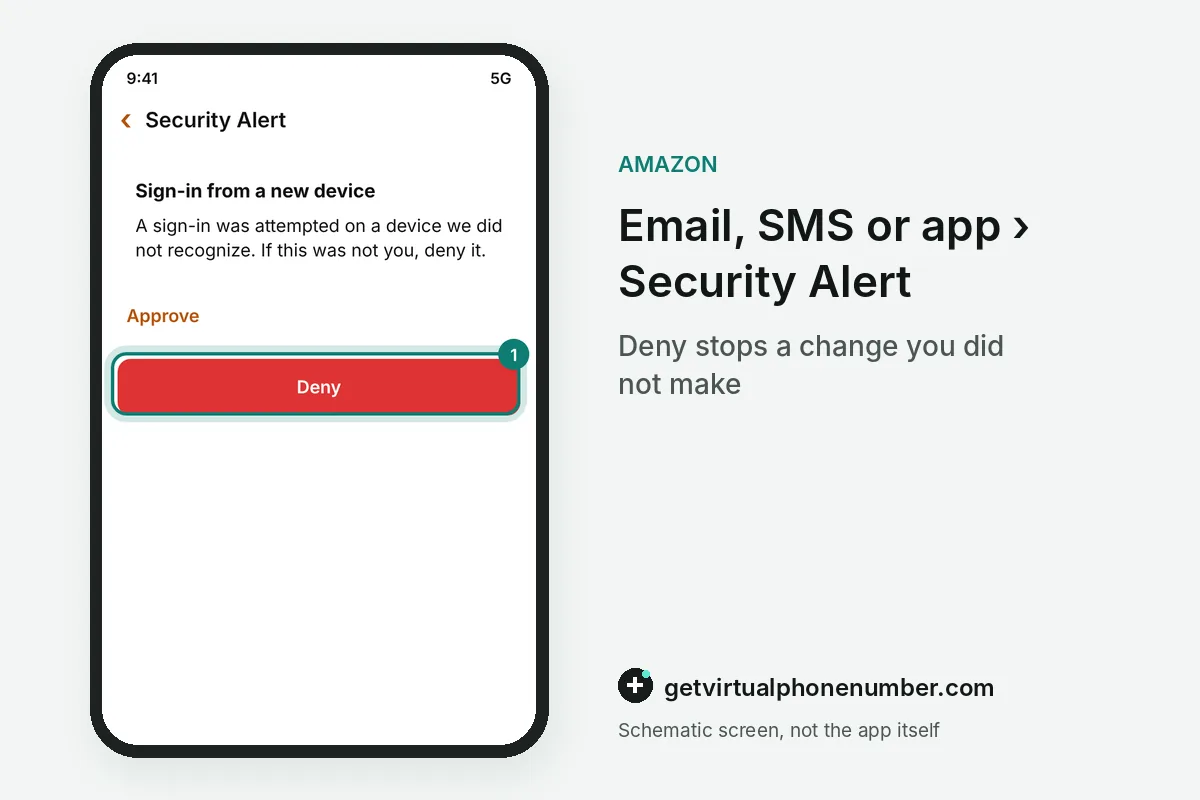
A Security Alert helps you take the account back because selecting Deny in its email, SMS or app notice resets the password right away. The same notice also offers a way to say the activity was not you. If the email or phone on file is gone too, the self-service recovery instructions or Customer Service take over.
If the hacked account is on hold, sign in through the secure portal, complete the form and attach what it asks for. The help page calls that the fastest route back, and agents ask for the same details anyway. The Report a Scam page then asks what you shared, from nothing at all to bank details or remote access, and tailors its advice.
What goes wrong after an Amazon account is hacked?
Skipping the email check is the costly mistake, because a thief with your inbox can reset the store password again and again while you watch the alerts pile up. Change that email password too and look for rules or forwarding you did not set. Add a second login step afterwards.
After a hack, keep the recovery phone of the hacked account off our free Amazon numbers, because anyone can read that inbox and catch the next reset code. Save your own phone or a private number (coming soon) there, so Prime, saved cards and past orders stay yours. The change phone number guide covers the swap.
Which red flags give away a fake hacked-account warning?
A fake hacked-account warning gives itself away through red flags that differ by channel, and the table sums up the ones the help pages list. Pressure to act right now is a tell everywhere. Payment requests in gift cards are another.
| Channel | Red flag | What to do |
|---|---|---|
| Phone call | Asks for an OTP, password or payment outside the store | Hang up and contact support in the app |
| Text message | Odd country code, unexpected order, misspelled link | Do not tap, report it as a scam |
| Email or message | False urgency or a request for gift card codes | Check Your Orders, then forward to verify@amazon.com |
Is that call or text really from Amazon?
A call or text claiming to be from Amazon is fake when it asks for your password, a passcode, gift card details or bank card numbers. Scammers open with a false emergency, such as unauthorized purchases on a hacked account. Hang up. Then contact Customer Service through the app or the website yourself.
Fake warnings that your account was hacked often come from numbers you do not recognize or carry a foreign country code. Watch for links with misspellings or a bare IP address. To check one, ask Alexa for Shopping something like Did you call me today, or forward it to verify@amazon.com.
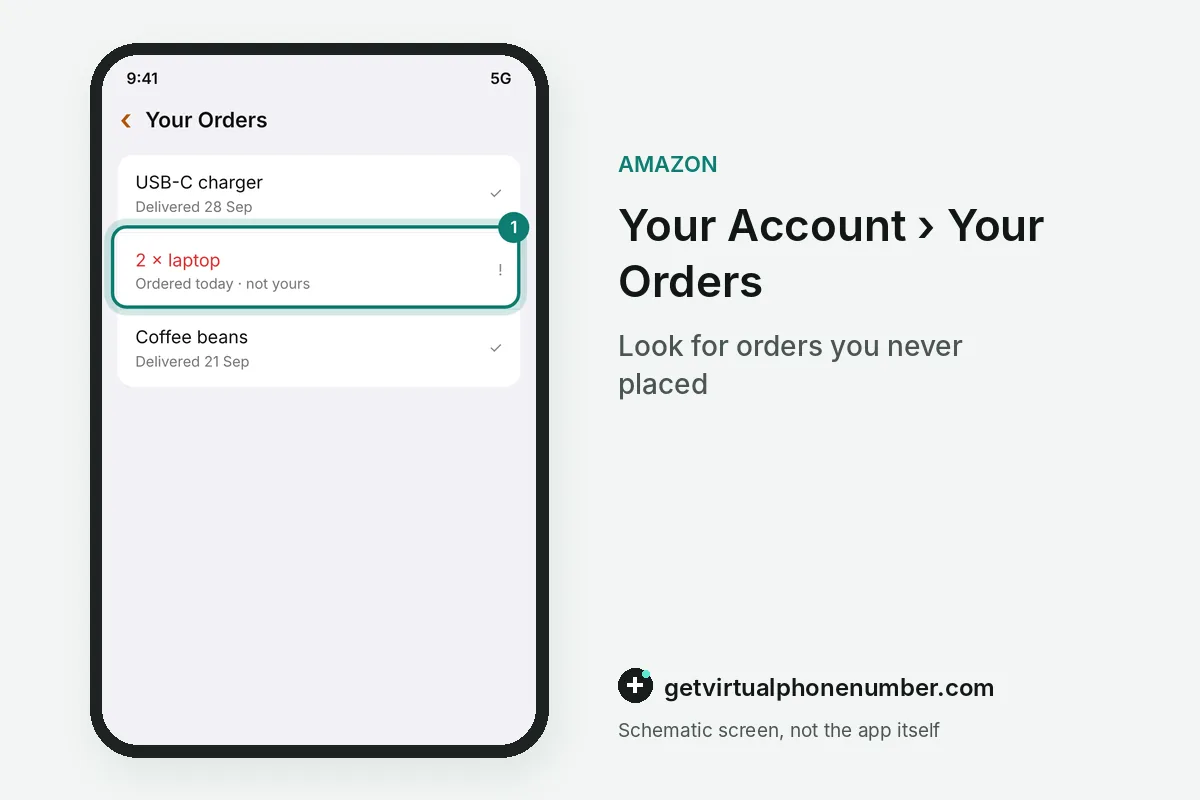
For example, a caller may claim that 2 laptops were just ordered on your hacked Amazon account. The next step in that script is a request for the passcode, which Amazon staff never make.
Where can you check whether a message is real?
You can check whether a message about a hacked account is real in the Message Center on the website or app, where authentic emails from the store are logged. Membership status sits under Your Account, and real orders appear only in Your Orders. Anything missing from those pages did not come from the store.
Fake recall texts never come from Amazon, hacked account or not, since the store says it does not send text messages about recalls. Real safety notices show on the Your Recalls and Product Safety Alerts page. A Scam Tracker run with the Better Business Bureau searches reported emails, links and phone numbers.
Secure a hacked Amazon account in the first hour
- Deny the alertSelect Deny in the Security Alert email, SMS or app notice.
- Check Your OrdersLook for purchases and deliveries you never made.
- Verify the messagesAsk Alexa for Shopping, or forward suspicious notes to verify@amazon.com before you act on them.
- Use Report a ScamPick the option that matches what you shared, from nothing at all to bank details or remote access.
- Lock the inboxChange the email password too.
Sources
- Identifying a scam - Amazon Customer Service
- How to identify fake phone calls - Amazon Customer Service
- About Security Alerts - Amazon Customer Service
- About Multi-Factor Authentication - Amazon Customer Service
- Report a scam - Amazon Customer Service
- How to identify fake text messages/SMS - Amazon Customer Service
 Canada
 United States
 Netherlands
 Sweden
 Algeria
 Philippines
 Sri Lanka
 Slovenia
 United Kingdom