Discord · Second account · Checked on 3 October 2026
How to add a second account on Discord and switch between them
To add a second account on Discord, open the Account Switcher from your avatar and log in to the other account. Discord keeps up to 5 accounts signed in on desktop.
How do you add a second account on Discord?
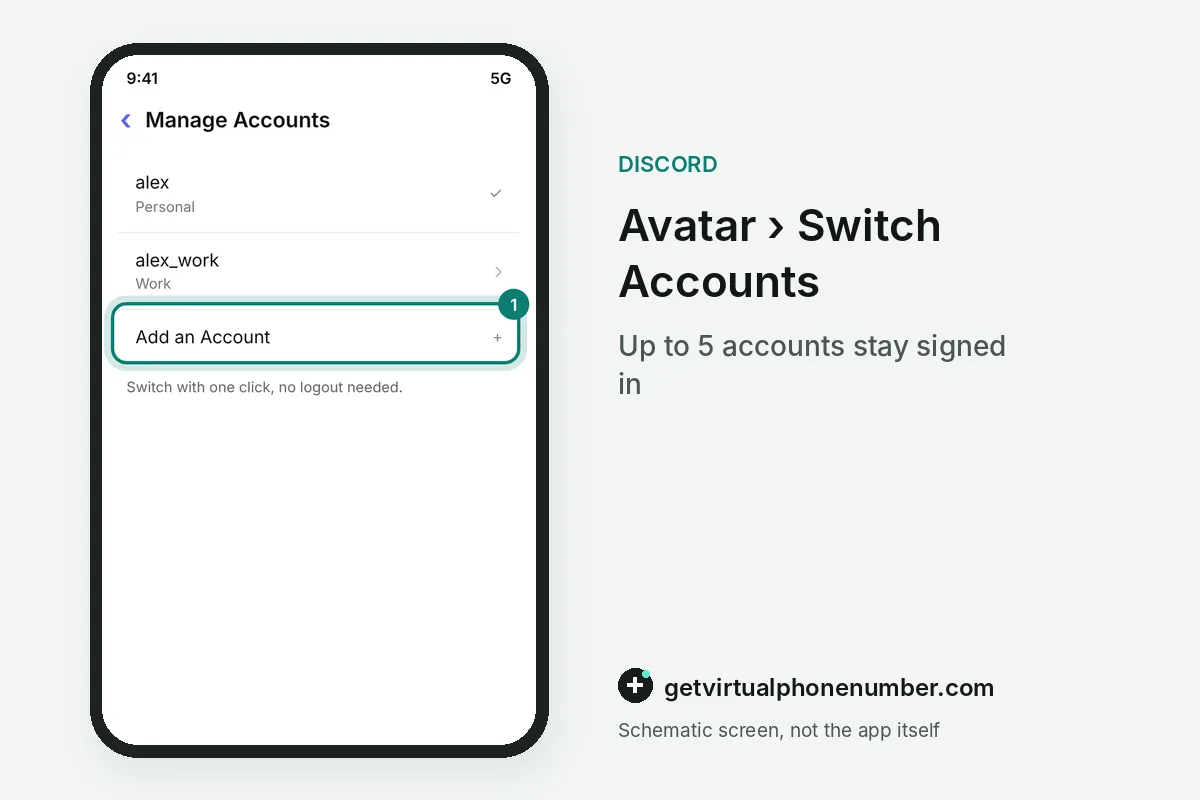
You add a second account on Discord through the Account Switcher: click your avatar at the bottom left, choose Switch Accounts and add the other login. Both Discord accounts then stay signed in, with no logout needed.
The switcher only changes which account the app shows. Your Privacy & Safety settings stay as they were on each account, and other users cannot see which accounts you switch between. Discord's own FAQ for the feature covers the desktop app only. Mobile is a different story.
How many Discord accounts can you add?
You can add up to 5 Discord accounts to the Account Switcher. That covers the usual split between a personal account, a work account and a few community or test accounts. Beyond 5, you need separate browsers or profiles.
Switching has small costs. Some preferences reset when you change accounts, such as appearance settings like font scaling, and drafted messages are not kept. Finish a long message before you jump to the other account.
For example, a personal account, a work account and 1 test account fill 3 of the 5 slots and leave 2 free. A fourth community account still fits.
Can you add a second Discord account on mobile?
A second Discord account on mobile, Android or iPhone, is less clear-cut, because Discord's Account Switcher FAQ only describes the desktop app. Users on Discord's own feedback board and on Reddit have asked for mobile switching. Some guides say the switcher now works on mobile, but the official FAQ does not confirm it.
The dependable route for multiple Discord accounts on Android or iPhone is to log out of one account and into the other. If you only need to read a second account now and then, keep it signed in on a computer, through the app or discord.com in a browser.
Running two Discord accounts at once on one computer
Two Discord accounts can run at the same time on one computer when each one has its own session. Log in to account A in the desktop app and account B at discord.com in a browser. Both sessions stay active in parallel, so messages and notifications arrive for each account at the same time with no switching at all.
Browser profiles extend the same idea. Each profile keeps its own cookies, so every profile can hold a different Discord login. Rambox notes that the app-plus-browser setup does not scale cleanly beyond two accounts, which is where the built-in switcher is easier to manage.
Are you allowed to have two Discord accounts?
Yes, Discord allows you to have two accounts, and the Account Switcher exists for people with several of them. The rules still follow you across all of them. If you break the Terms of Service or Community Guidelines, Discord may act on every account it can link to you.
Discord's FAQ adds that the more severe the violation, the more likely the action spreads across accounts, including those in the switcher. A second account is fine for work, hobbies or testing. Using one to dodge a ban breaks the rules it was meant to avoid.
A phone number for each Discord account
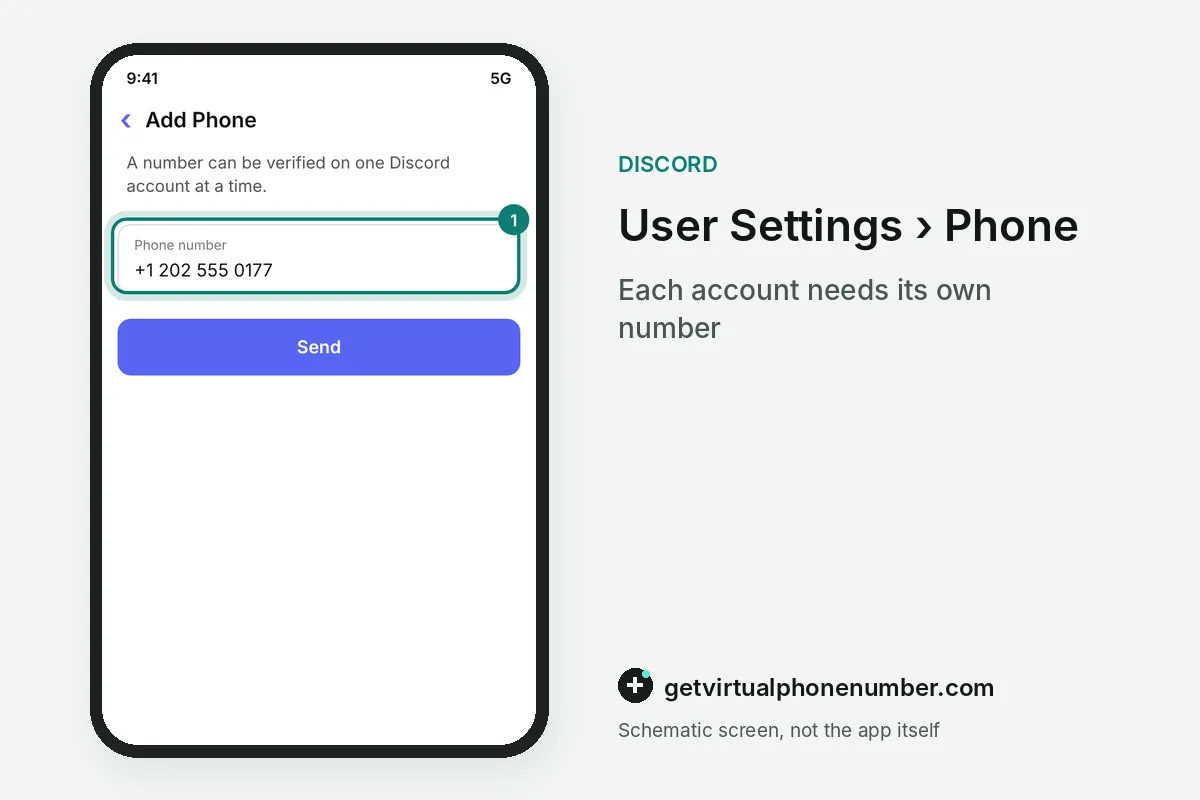
Each Discord account needs its own phone number if Discord asks for verification, since Discord allows one phone number per account. Your main number can only sit on one of them. A second account you plan to keep needs a second number that stays yours, such as a private number (coming soon).
A second Discord account for short tests can take its code from public lines on our free Discord numbers page. Those inboxes are shared with everyone who opens the page, so never put one on a second account you want to keep. The Discord without a phone number guide covers adding an account with no number at all.
What goes wrong with a second Discord account?
The most common mistake with a second Discord account is reusing the same password on both. One phished login then exposes two accounts. Give each its own password and its own multi-factor authentication, as the Discord security guide explains.
Other second-account mistakes on Discord are smaller. Drafts vanish when you switch accounts, and it is easy to post from the wrong Discord account in a busy server. Check the avatar in the bottom left before you hit send. Every time.
Add a second account with the Discord Account Switcher
- Click your avatarIn the desktop app, click your profile picture at the bottom left of the window.
- Open Switch AccountsSelect Switch Accounts, then Manage Accounts to see who is already signed in.
- Add the second accountChoose Add Account and log in with the other email or phone number and its password.
- Switch at any timeClick your avatar again and pick the account you want from the list, with no logout and no second password prompt needed.
 Canada
 United States
 Netherlands
 Sweden
 Algeria
 Philippines
 Sri Lanka
 Slovenia
 United Kingdom