Discord · Spam · Facts verified 3 October 2026
My Discord is spamming messages: what it means and how to stop it
If your Discord is spamming messages you never wrote, the account is compromised. Someone is using your login or session, usually after a malicious link or file, and the spam is how they reach your friends next.
Why is my Discord spamming messages?
Your Discord is spamming messages because an attacker controls your login or an active session. They push the same link to your friends, group chats and servers, since people trust a message from you. It spreads fast.
One archived case on Discord's support forum shows the chain. A user ran an installer sent as a game in a DM, Discord logged out and back in, and the account began mass-sending that same link. Two-factor authentication had been on for years and still did not stop it.
For example, 1 installer run from a DM was enough in that archived forum case, even with two-factor authentication on for years. Discord spamming messages after such a file means the session itself was stolen.
How do you check if your Discord got hacked?
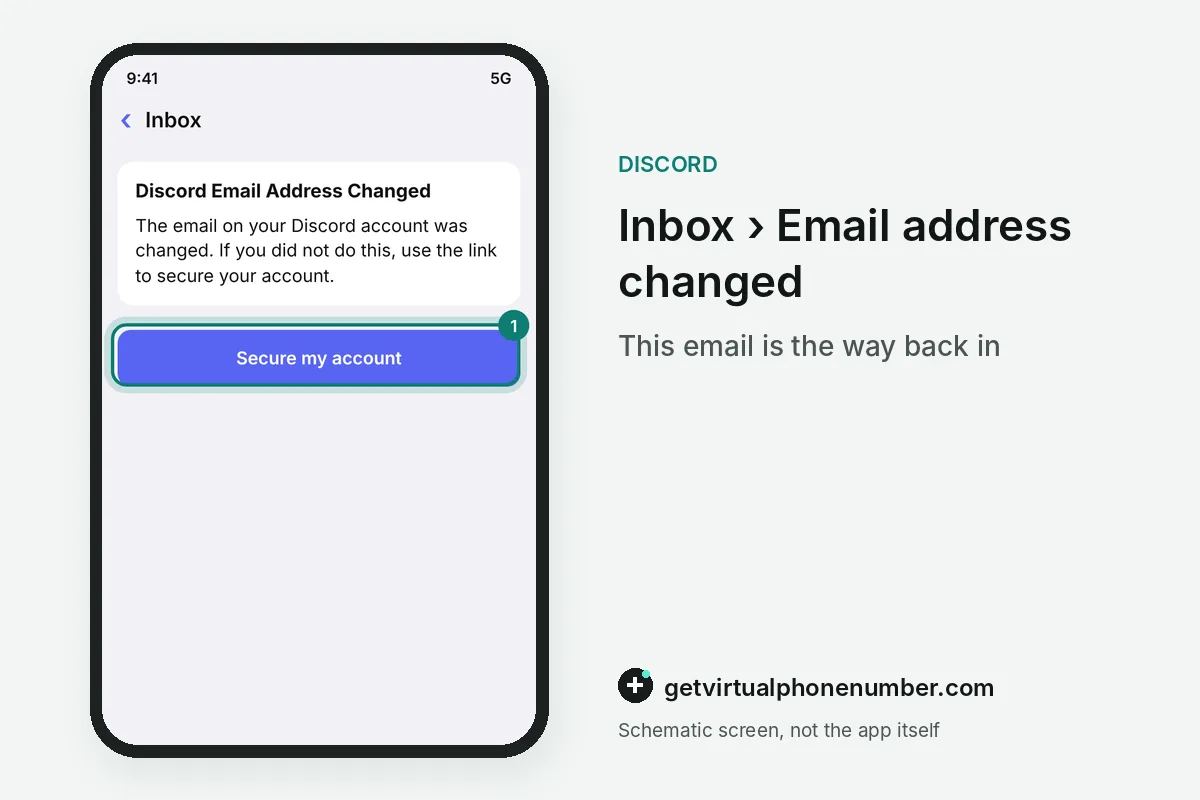
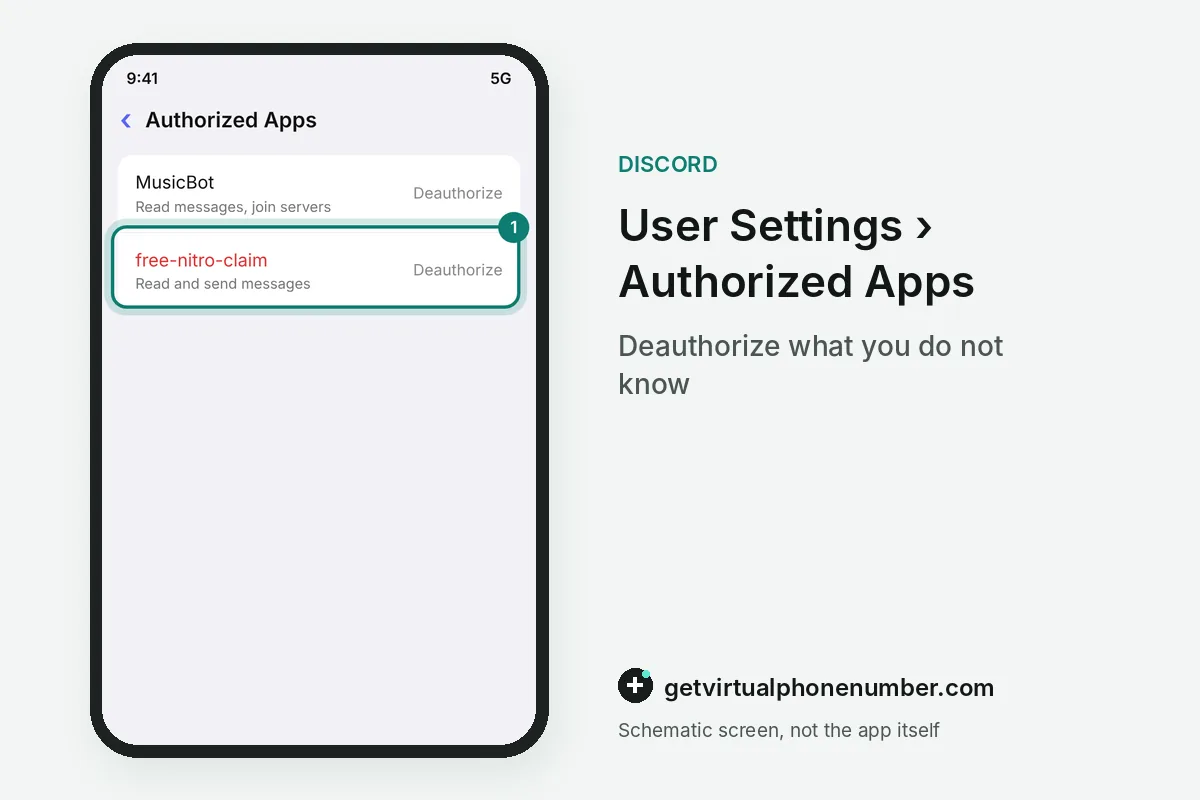
You check if your Discord got hacked by looking for actions you did not take. Messages you never sent are the loudest sign. Sudden logouts, unknown apps under Authorized Apps and an email titled Discord Email Address changed point the same way.
A spamming Discord account can also cost money. Check your billing. Discord asks owners to report unauthorized transactions in the hacked-account ticket and warns that a bank chargeback can suspend the account during review. File the ticket at dis.gd/hackedaccount first.
Can spam get your Discord account banned?
Spam can get a Discord account actioned, because sending spam breaks Discord's Terms of Service and Community Guidelines. The tips at discord.com/safety say Discord may act on any account, bot or server that uses spam tactics, even when a hacker sent the messages.
Discord counts unsolicited ads, mass server invites and many identical messages in a short time as DM spam. Joining lots of servers at once or friending everyone in a thousand-person server can trip the proactive spam filter too, and the filter acts on the account. Selfbots risk suspension.
Discord's Spam folder and DM spam filter
Discord's Spam folder sits inside Message Requests and holds DMs the filter marks as likely spam. On desktop, open the Home tab and the Message Requests folder, then the Spam tab. On mobile, open your DMs and the Message Requests tab, which appears only when a request is pending.
The DM spam filter starts at filter all, so every incoming DM gets checked by default, including messages from people who share a server with you. From the Spam tab you can view the sender's profile and shared servers, then accept, ignore or report the message. Ignored requests cannot be brought back, so check the folder before clearing it.
Mistakes that keep a Discord account spamming
The biggest mistake when your Discord is spamming messages is changing only the password and leaving the malware in place. If a program on your computer stole the session, it can steal the next one as soon as you log in again. Discord suggests a Windows Defender scan on Windows before you sign back in.
Other mistakes are staying silent and keeping old apps. Tell friends the link did not come from you. The spam chain stops with them. Then remove unknown entries from Authorized Apps, since any connected app you never approved can keep reaching the account.
Phone numbers and a spamming Discord account
A phone number helps you recover a spamming Discord account only if it is yours alone. Discord allows one phone number per account, and that number works as SMS backup for multi-factor authentication. Keep it on your own SIM or a private number (coming soon), as the Discord security guide explains.
Public lines on our free Discord numbers page are shared inboxes that anyone can read, so a recovery code sent there belongs to whoever looks first. They fit a throwaway test account, never an account you need to win back. If a recovery code never arrives on your own phone, the code troubleshooting guide lists the checks.
Stop your Discord account from spamming
- Check your emailFind the Discord Email Address changed message and use its link to take your address back.
- Reset the passwordPick a long, unique password, which also generates a new token for the account.
- Turn on MFAAdd a passkey or an authenticator app so a stolen password alone fails.
- Remove unknown appsOpen Authorized Apps in User Settings and deauthorize anything you do not recognize.
- Scan the computerRun a full malware scan before you trust the device with your Discord login again.
- File a ticketIf you still cannot get in, report the takeover at dis.gd/hackedaccount with all required details.
 Canada
 United States
 Netherlands
 Sweden
 Algeria
 Philippines
 Sri Lanka
 Slovenia
 United Kingdom