Instagram · Two-factor authentication · Facts verified 3 October 2026
Instagram two factor authentication: methods, backup codes and devices
Instagram two factor authentication adds a code check to every sign-in from a device the app has not seen before. That code comes from an authentication app, a text message or WhatsApp, while saved backup codes stand in when nothing else can reach you.
What does Instagram two factor authentication protect?
Instagram two factor authentication protects the whole Meta Account. Once it is on, a sign-in from an unrecognized device stops at a code prompt on every Instagram profile tied to that login. Meta calls it the single most effective step against hackers, and creator accounts get it switched on by default.
Because Instagram two factor authentication sits at the Meta Account level, Threads profiles made with the same login share it. One careful setup protects every one of them.
Instagram two factor matters most for creators. A hijacked profile loses posts, Direct messages and followers at once.
Why is a text message the weakest two factor authentication method?
A text message is the weakest two factor authentication method because the code travels over the mobile network to a SIM, and a SIM can be swapped or shared. In a SIM swap, an attacker moves your line to their own card and receives every code from then on.
A shared line fails the same way. Every code sent to one of our free Instagram numbers is visible to anyone who opens that page, so such lines never belong in two factor authentication. Keep the text method on a SIM you hold or a private number (coming soon), or switch to an authentication app that generates codes on the device itself.
Does two factor authentication cover Threads?
Two factor authentication for a Threads profile is managed from instagram.com, under Meta Account, then Login and security, then Two-factor authentication. Backup codes for Threads sit under Additional methods there, and Get new codes replaces the old list.
A Threads profile created with a Facebook profile is the exception, because its phone number, email and password are updated on Facebook instead. Check which login your Threads profile uses before you hunt for the setting.
Can you add more devices to two factor authentication?
Yes, two factor authentication through an authentication app can run on up to 5 connected devices for one Meta Account. One device sets up the app first, and each extra device needs its own authentication app installed.
Adding a device starts under Login and security: open Two-factor authentication, pick the Instagram profile and choose Authentication app. The new device copies the key or scans the QR code, and its app then shows a 6-digit code to paste back. Removing a device later does not log it out.
What do trusted devices and login requests change?
Trusted devices change two factor authentication by skipping the code on later logins from that phone or computer. You mark one by tapping Trust this device during a two-factor login, and you can remove trusted devices once the feature is on.
Never mark a public or shared device as trusted for two factor authentication. Login requests cover the rest: each attempt from an unknown device shows the device and its location, and you approve or deny it from a phone already signed in. Deny anything unexpected.
Which two factor authentication method should you pick?
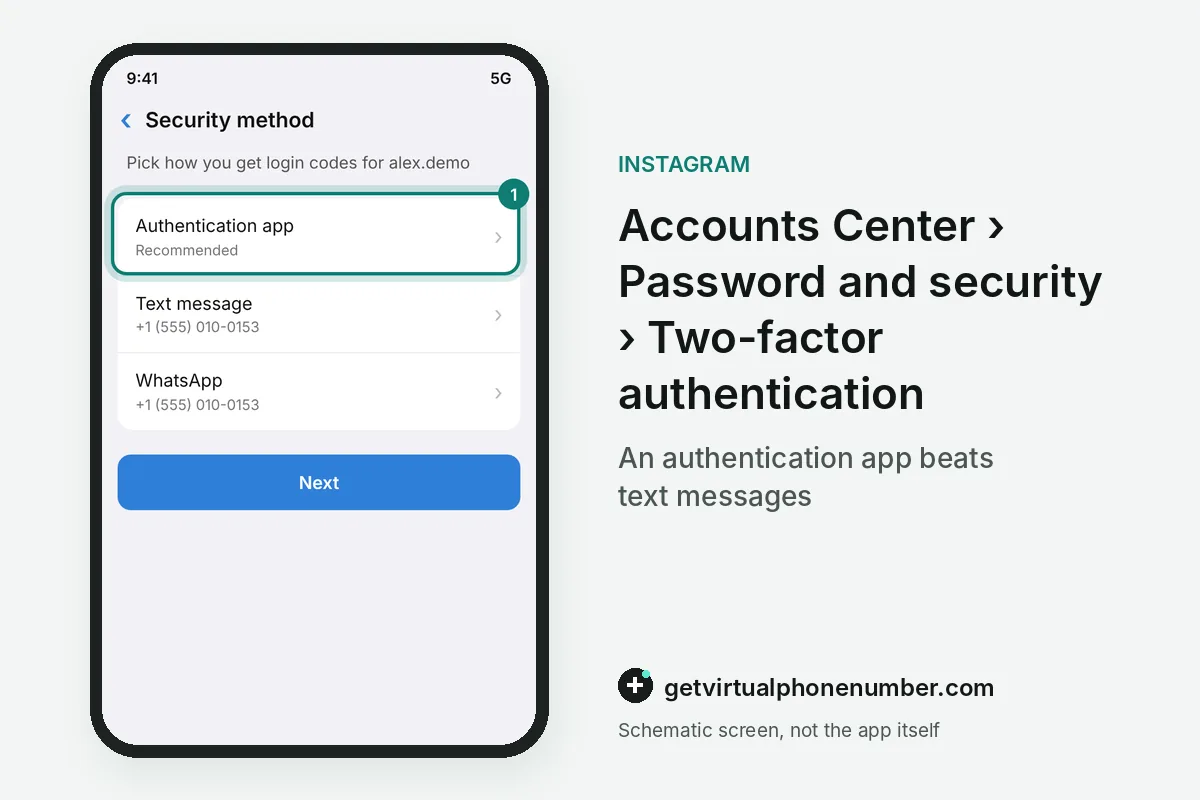
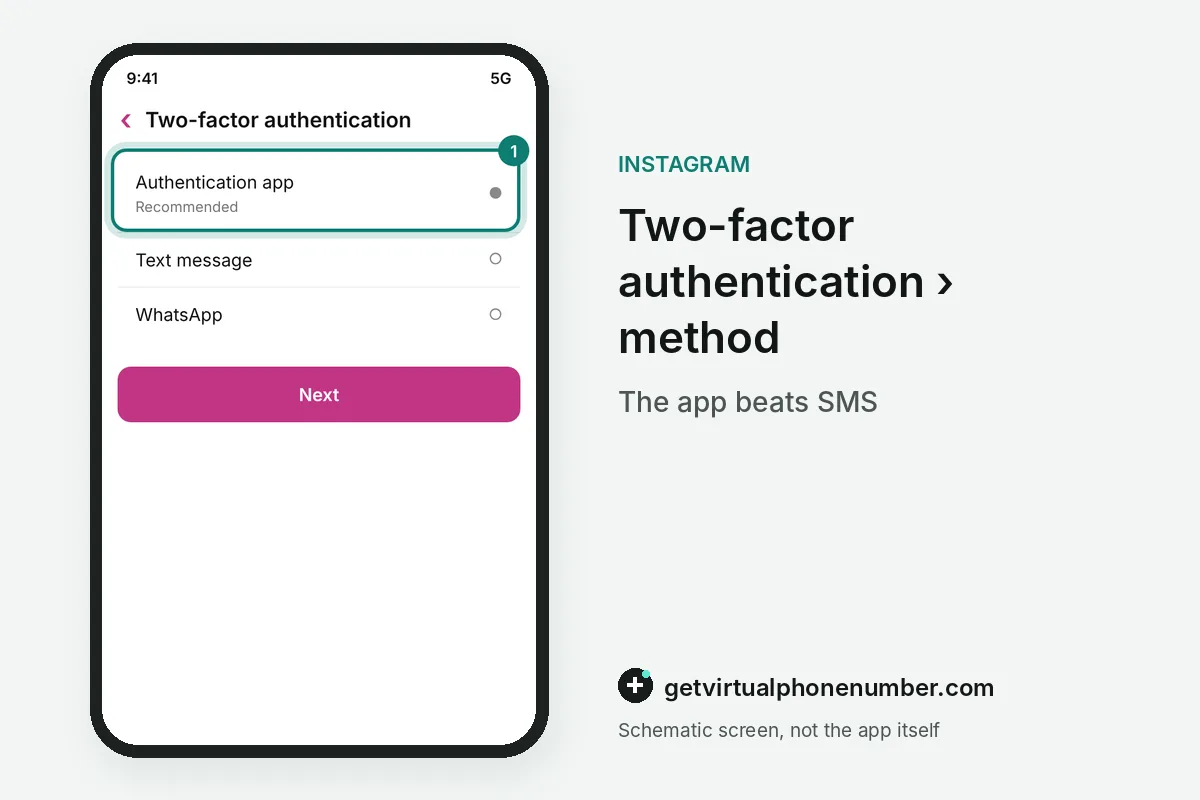
The two factor authentication method Meta recommends is an authentication app, because several devices can generate codes for one account. Text messages and WhatsApp depend on a single line, which makes them quicker to set up and quicker to lose. Pick the app.
| Method | Where the code comes from | Worth knowing |
|---|---|---|
| Authentication app | Duo Mobile, Google Authenticator or similar | Turned on only in the Android or iPhone app |
| Text message | SMS to a number on the account or a new one | Needs signal and a SIM you control |
| A message in WhatsApp | Needs the text message method first | |
| Backup codes | A list you saved earlier | For times when no code can be sent |
What goes wrong with Instagram two factor authentication?
Instagram two factor authentication goes wrong most often when owners never save backup codes while they can still log in. They sit under Additional methods, then Backup codes, and Get new codes cancels the old set, so refresh the saved copy each time.
Relying on a single method is the other common Instagram two factor authentication slip. Add an authentication app next to text messages, and if texts stop reaching a line you own, use the troubleshooting page.
For example, a list of 10 Instagram backup codes covers 10 logins without your phone. Each code works once, so print a fresh list after you use a few.
- Trusting a shared device.
- Skipping the backup codes.
- Leaving SMS as the only method.
- Ignoring a login request you did not make.
Turn on two-factor authentication in Instagram
- Open settingsClick More in the bottom left, then Settings, then See more in Accounts Center.
- Find the settingOpen Password and security, then Two-factor authentication, and pick your Instagram profile.
- Choose a methodSelect an authentication app, text message or WhatsApp and follow the prompts.
Sources
- Two-factor authentication
- Securing your Meta Account with two-factor authentication | Facebook Help Center
- How you can use a backup code on Instagram | Instagram Help Center
- Use an authentication app for two-factor authentication on Instagram | Instagram Help Center
- How you can use a backup code on Threads using two-factor authentication | Instagram Help Center
 Canada
 United States
 Netherlands
 Sweden
 Algeria
 Philippines
 Sri Lanka
 Slovenia
 United Kingdom