Microsoft · Two-step verification · Facts verified 3 October 2026
Microsoft account two step verification and authentication prompts
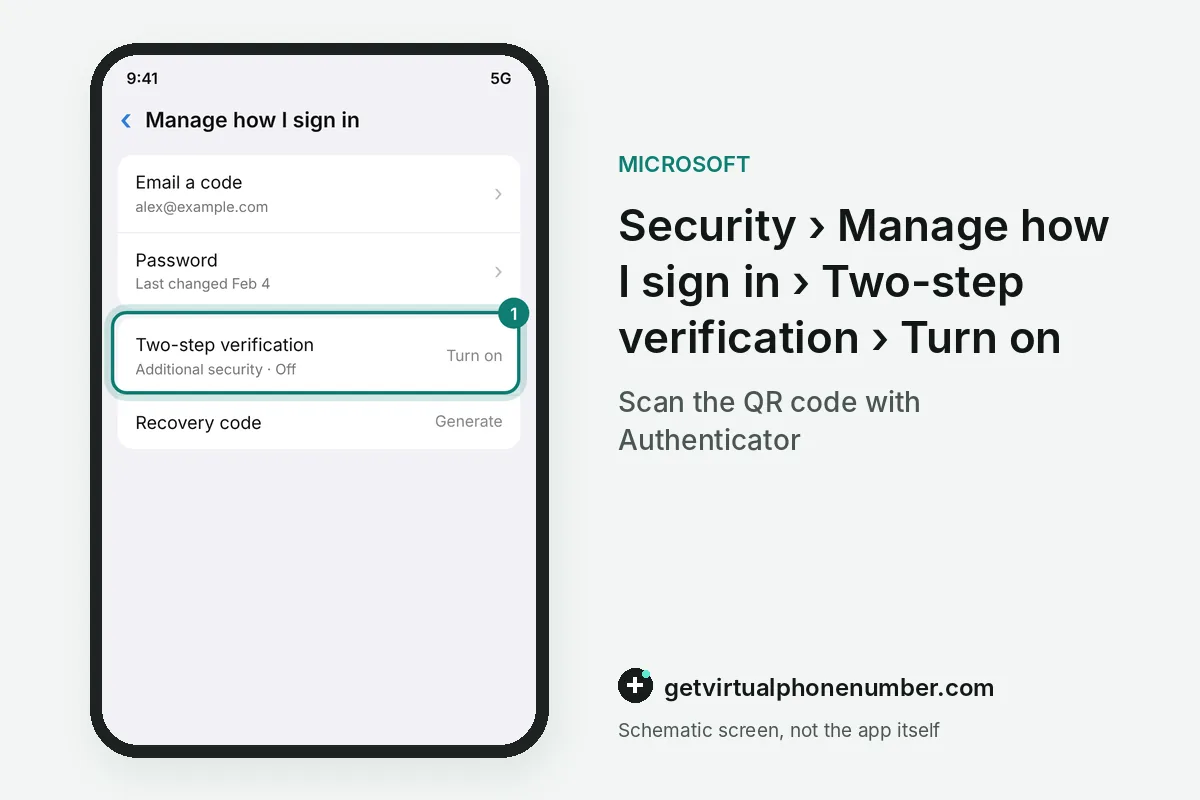
Microsoft account two step verification is a setting that requires a second proof of identity, on top of your password, on any device Microsoft does not trust. For Outlook.com, Hotmail, Xbox and Microsoft 365 logins, that proof is usually an Authenticator approval or a check sent to your security info. The switch sits under Manage how I sign in at account.microsoft.com/security.
When does two-step verification need an app password?
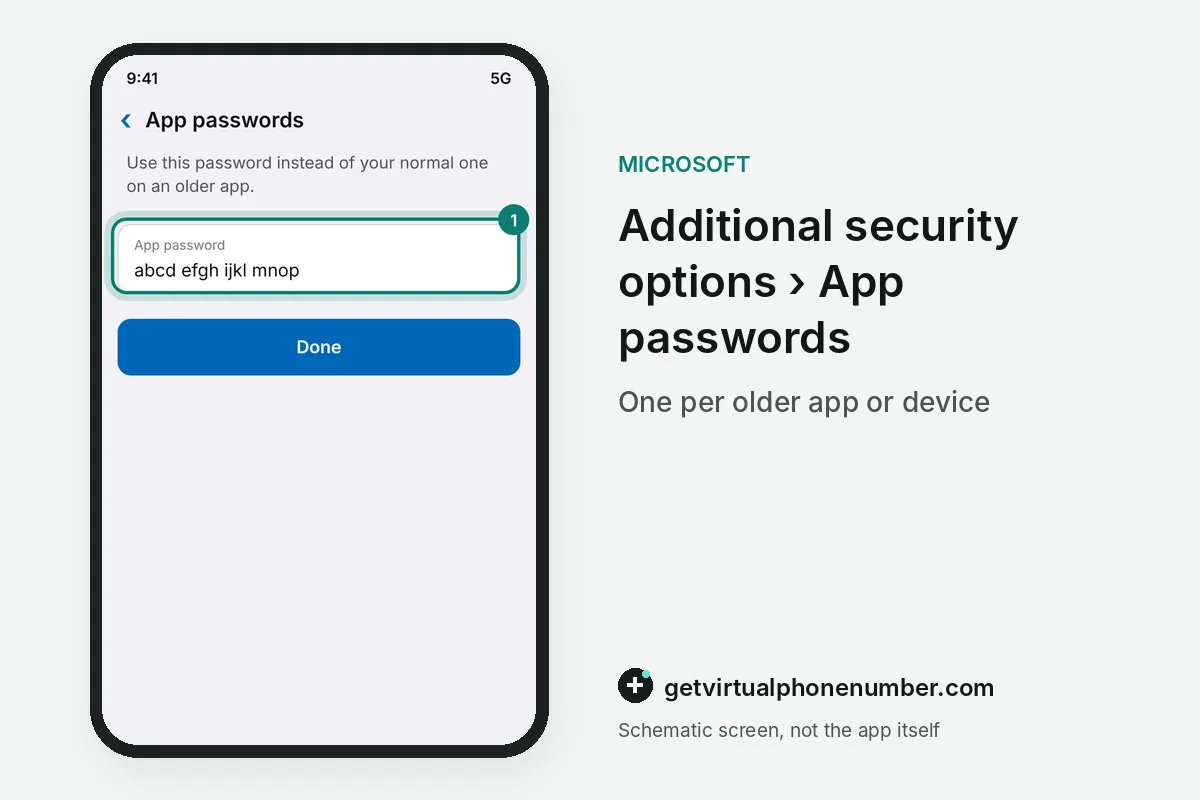
You need an app password when an older app or device cannot show a two-step verification prompt. Microsoft names the mail apps on some phones and the Xbox 360 as examples. If one of them reports an incorrect password right after you enable two-step verification, an app password is the fix.
App passwords exist only while two-step verification is on for the Microsoft account. Without it, the App passwords section does not appear on the Additional security options page. On Outlook.com, the older path runs through Security and privacy, then More security settings, then Create a new app password. Work or school accounts create theirs in the security info portal instead.
For example, an Xbox 360 that rejects a correct password after setup needs 1 app password. Type that 16-character code instead of the normal password, once per device.
Does two-step verification differ on work or school accounts?
Two-step verification on work or school accounts follows the organization's policy, so you may not be able to turn the setting off. Sign in to mysignins.microsoft.com/security-info with your Entra ID, select Add sign-in method and pick from the methods your organization supports. Your admin sets them.
Microsoft's work and school help covers the Authenticator app, a security key, an email address and security questions among the possible methods. Each organization decides which of them appear. Ask your admin. Keep three, because a lost phone plus a password will not get you back in.
Admins see two-step verification from the other side. Microsoft's guidance for a compromised Microsoft 365 mailbox recommends enabling and enforcing multifactor authentication. It calls that step a must for accounts with admin privileges. Resetting a lost method is a job for your IT admin.
Why does Microsoft say you tried too many times?
Microsoft shows the message You have tried too many times with an incorrect password after a run of failed sign-ins on one account. Its help page lists three causes: repeated wrong passwords, someone else typing your address by mistake, or a problem with your app, browser, device or network. Wait before retrying.
If the error keeps coming back, run the Microsoft account Sign-in Helper, which checks the account for problems. Then try again. A locked account is a separate case, tied to activity that may break the Microsoft Terms of Use. It ends with a reinstatement form reached through a link that starts with aka.ms, and the Microsoft account recovery guide covers lost access.
What goes wrong with two-step verification on a Microsoft account?
Turning on two-step verification with a single method is the classic mistake. Losing that method can mean a 30-day wait or a lost account, so keep three.
Skipping app passwords comes next, since an Xbox 360 or an older mail app then rejects a correct password. Keep any linked number private, like a private number (coming soon), and leave public Microsoft lines to throwaway Outlook or Xbox test sign-ups.
Turn on two-step verification for a Microsoft account
- Open the Security tabSign in at account.microsoft.com/security.
- Choose Manage how I sign inThis page lists every way you can prove who you are, including the recovery code.
- Turn it onUnder Additional security, find Two-step verification and select Turn on.
- Follow the screensScan the QR code if you set up Authenticator, which confirms the phone is physically yours.
- Add app passwordsCreate one per older app.
Sources
- 2-Step Authentication | Microsoft Support
- How to use two-step verification with your Microsoft account | Microsoft Support
- - YouTube
- Sign in to your work or school account using two-step verification | Microsoft Support
- Microsoft Mobile Phone Authenticator | Microsoft Security
- Microsoft to stop sending SMS codes for personal accounts | Microsoft Support
 Canada
 United States
 Netherlands
 Sweden
 Algeria
 Philippines
 Sri Lanka
 Slovenia
 United Kingdom