Tinder · Change phone number · Checked on 3 October 2026
I got a new number and it's banned on Tinder: causes, limits and fixes
If you got a new number and it's banned on Tinder, the number is most likely still tied to another Tinder account. Tinder allows a phone number on only one account at a time, and banned users cannot open new ones.
Why is my new number banned on Tinder?
A new number shows as banned on Tinder when Tinder still links it to an account, often one that broke the rules. If the number was used on Tinder before it reached you, that old account can still own it. Tinder checks the number before it checks you.
Tinder's help center at help.tinder.com sets two rules that explain the block. A phone number can be verified on only one Tinder account at a time, and a banned user cannot continue using Tinder or create new accounts. A number stuck on a banned profile fails both tests.
For example, a carrier can recycle a number a few months after its last owner left. The same number can still sit on 1 banned Tinder profile. In the US, recycling is common enough that the FCC runs a Reassigned Numbers Database for businesses that text old numbers.
Does Tinder ban phone numbers or accounts?
Tinder bans accounts, and the phone number on a banned account stays attached to that ban. Tinder does not publish every signal it uses to link profiles. Its help pages only confirm the one-number, one-account rule and the ban on new accounts.
The cause therefore matters. If the ban is yours, the number problem is really a ban problem, and the Appeals Center is the only fix Tinder offers. If the number was recycled to you, the ban belongs to someone else, and support has to sort it out.
What to do when Tinder rejects a new number
When the ban on a new number belongs to someone else's old profile, contact support through the Contact Us form in the help center. Explain that the number is newly assigned to you and describe the situation in as much detail as possible, as the help center asks.
If the banned account is your own, the number problem is an appeal problem, so use the Appeals Center with your original login. The Tinder ban appeal guide explains that process and its 6-month limit.
An account in good standing switches numbers under Settings, then Phone Number, after an SMS check. That route works only when no banned profile holds the new number.
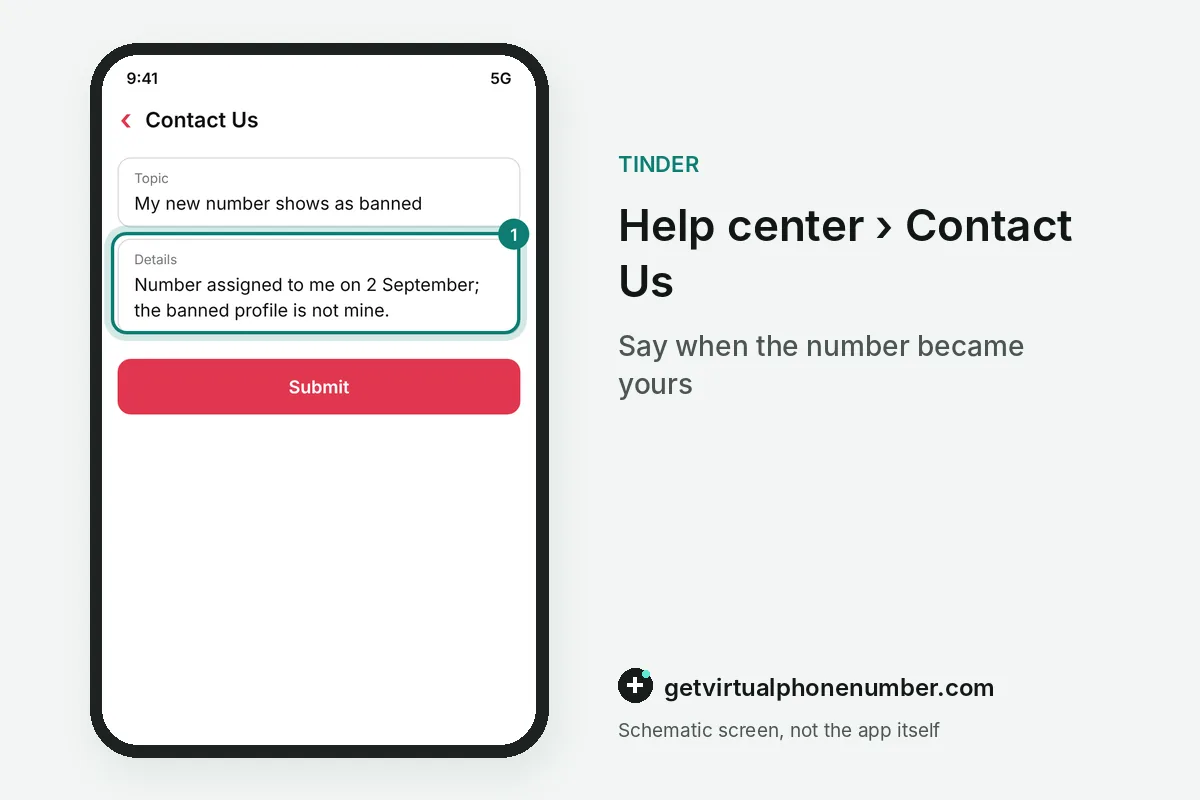
What to write in the Contact Us form about a banned number
Tell Tinder support exactly why the banned number is now yours, because the help center asks you to describe the situation in as much detail as possible. Say when you got the number and that the banned profile on it is not yours, if that is true.
Quote the ban message word for word. Support cannot help a ban it does not understand. Keep the request short and polite, because harassing Tinder staff breaks the Community Guidelines and can only count against you.
| Banned number situation | What Tinder's rules allow |
|---|---|
| Your own account is banned | Appeal in the Appeals Center within 6 months |
| Number came from someone else | Ask support through Contact Us |
| Number sits on another account you own | Remove it there first, one account per number |
| Active account moving to a new SIM | Update the number in Account Settings |
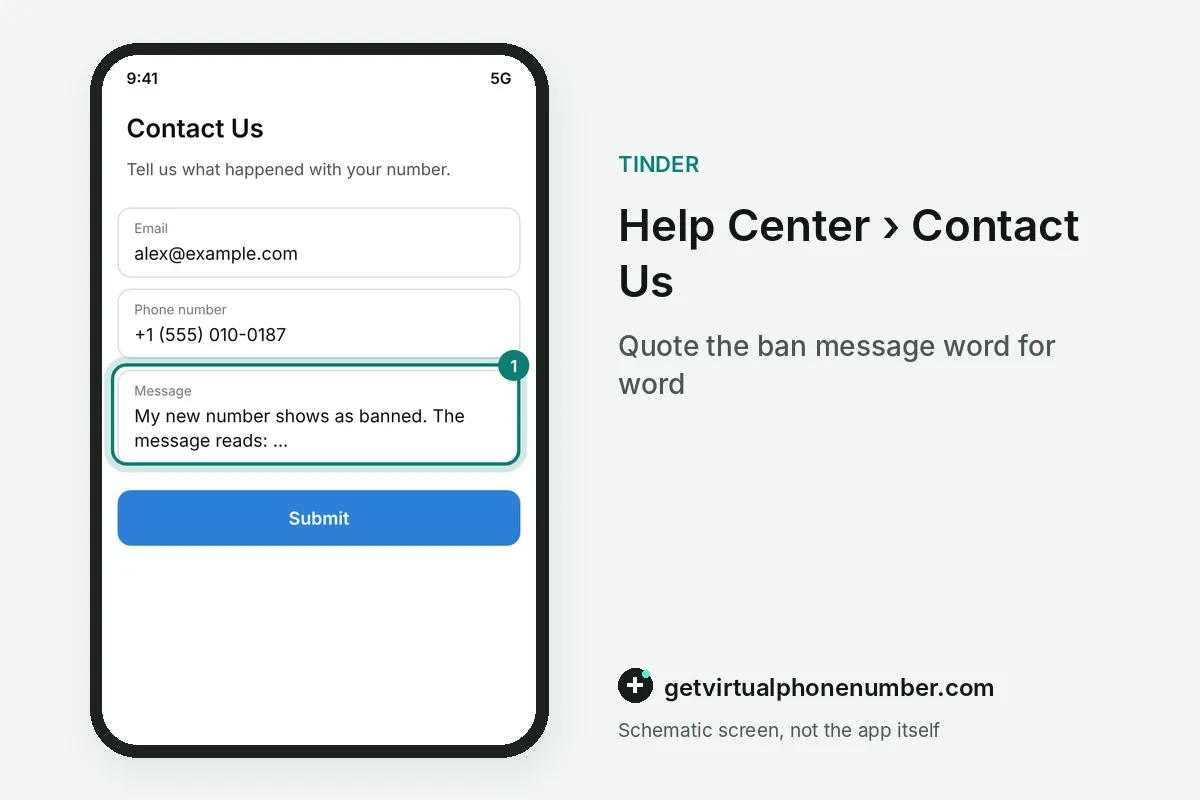
Mistakes with a new number on Tinder
The biggest mistake is treating a new number as a way around a ban. Tinder states that banned users cannot create new accounts, and its guidelines allow one account per person, so a fresh profile adds a new violation. It also cuts you off from a proper appeal.
Smaller mistakes waste time. People retry the same banned number many times, send support several near-identical requests, or let the 6-month appeal window close while they wait. For an account in good standing, a private number (coming soon) works, while public lines on our free Tinder numbers page never get around a ban.
Handle a banned new number through Tinder's official channels
- Write down the ban messageCopy what Tinder shows about the banned number, word for word.
- Find out whose ban it isIf the banned profile was yours, open the Appeals Center with your original login.
- Appeal or ask supportAppeal your own ban within 6 months, or explain someone else's ban to support through Contact Us.
- Wait without new profilesDo not open another profile while you wait, since banned users may not create accounts.
 Canada
 United States
 Netherlands
 Sweden
 Algeria
 Philippines
 Sri Lanka
 Slovenia
 United Kingdom